tinder account

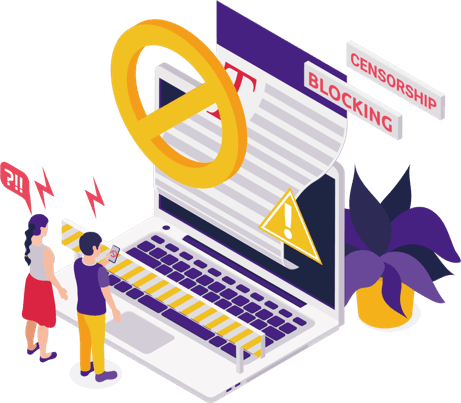
For many Tinder users, nothing is more frustrating than discovering one day that their Tinder account has been suspended. Whether it's an unexpected login failure or having a newly created account banned immediately, this experience often leaves users confused. As a leading global platform, Tinder continuously tightens its risk control system to maintain community safety, which also leads to more and more users facing sudden bans.


When faced with the prompt "Your Tinder account has been suspended," there's no need to panic excessively. This guide will explain how to take effective steps to lift the Tinder ban and share strategies for safely recovering your account, helping you regain the freedom to "swipe."


1. Quick Self-Check for Tinder Ban


When you see the "Account has been banned" prompt while logging into Tinder, it means the platform has detected abnormal behavior. According to Tinder's official policy, common reasons for bans include: duplicate device fingerprints (multiple accounts logged in from the same phone), associated IP addresses (registration in a shared Wi-Fi environment), excessive user reports (multiple complaints in a short period), etc.


At this point, you need to immediately conduct three self-checks:​


①Device and Network Check: Try registering a new account with another phone or 4G hotspot. If it gets banned instantly, it indicates your device or IP has been flagged.


②Identity Information Verification: Use a different email/phone number to register. If it still gets banned, it suggests the platform has associated your biometric data (such as facial recognition information).


③Behavior Pattern Review: Check if you have recently performed abnormal operations like frequent swiping (over 200 times a day) or mass messaging.


2. Tinder Appeal Process


If you believe you are innocent or the ban was due to a system error, the official appeal is the most formal and reliable way to restore your Tinder account.


① Submit an Appeal: Go to the Tinder Help Center and find the appeal form. Be sure to log in using the same information associated with the banned account.


② Clearly Explain: When appealing, remain polite and calm, clearly explaining your specific situation. Provide all necessary registration information (name, email, phone number). Courteous and reasonable communication ensures your case is seriously reviewed by staff.


③ Wait Patiently: Tinder typically takes 3 to 7 days to review appeals. Wait patiently for the result and avoid repeatedly sending requests, which could create a "spam" impression on the system.


3. Plan B After Failed Appeal: Safely Rebuilding a New Environment


If the official Tinder appeal process fails and your request is denied, then you need to consider safely "rebuilding" your account experience. This is a crucial step to regain access to Tinder, meaning you must start from scratch and be more cautious than ever.


① Use New Identity Information: When registering, you must use a completely new phone number, email, and even a new Apple ID or Google account. Reusing old credentials will only cause the new account to be banned again immediately.


② Isolate the Operating Environment: Given that Tinder may have flagged your device or IP address, simply changing the network environment is far from sufficient.


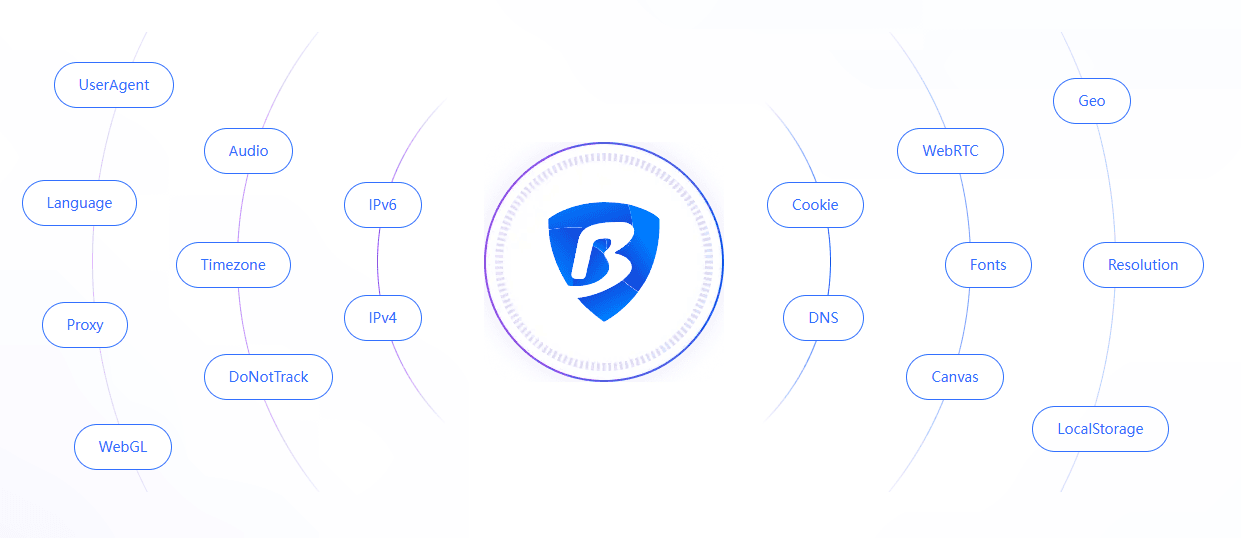
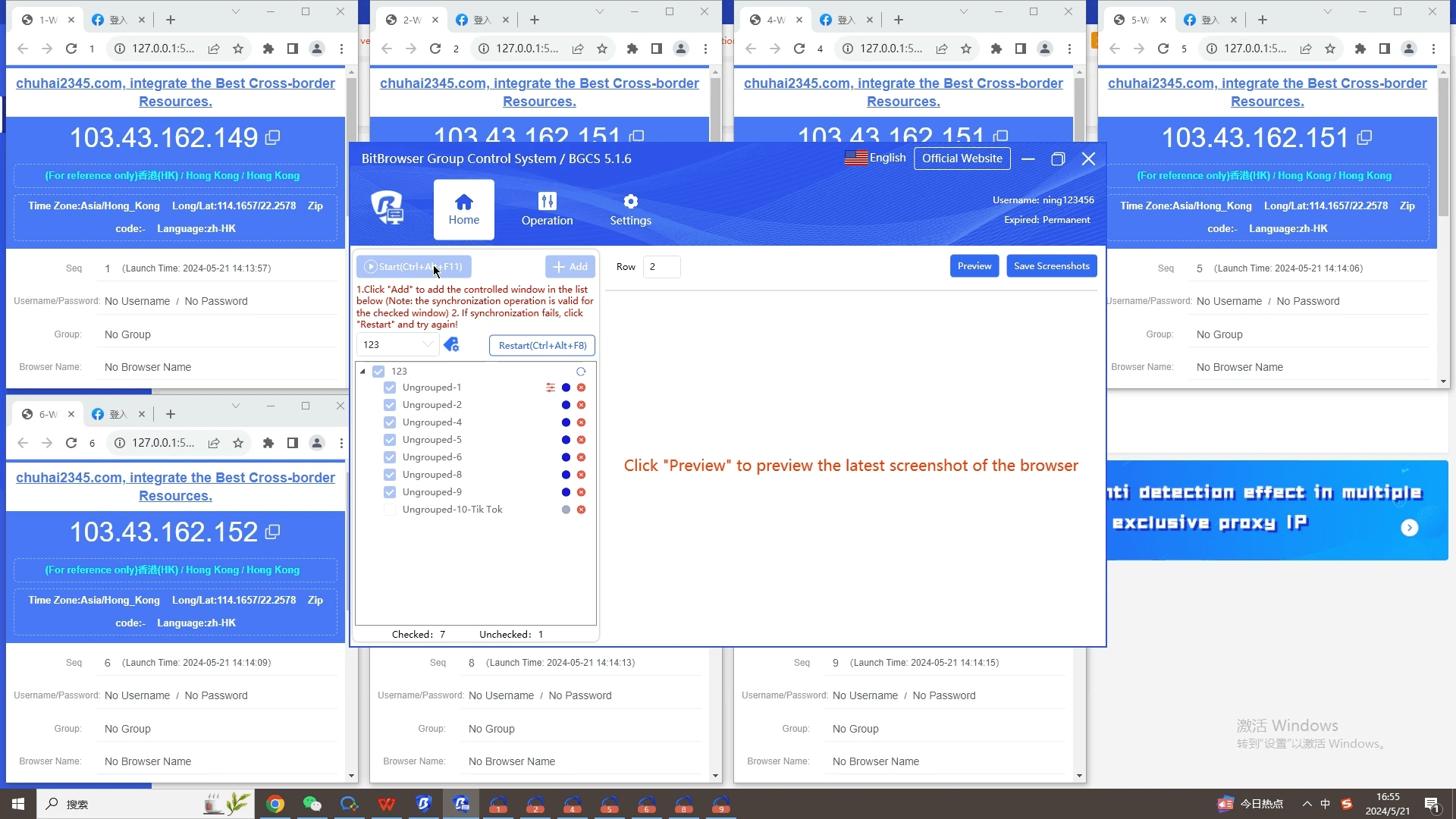
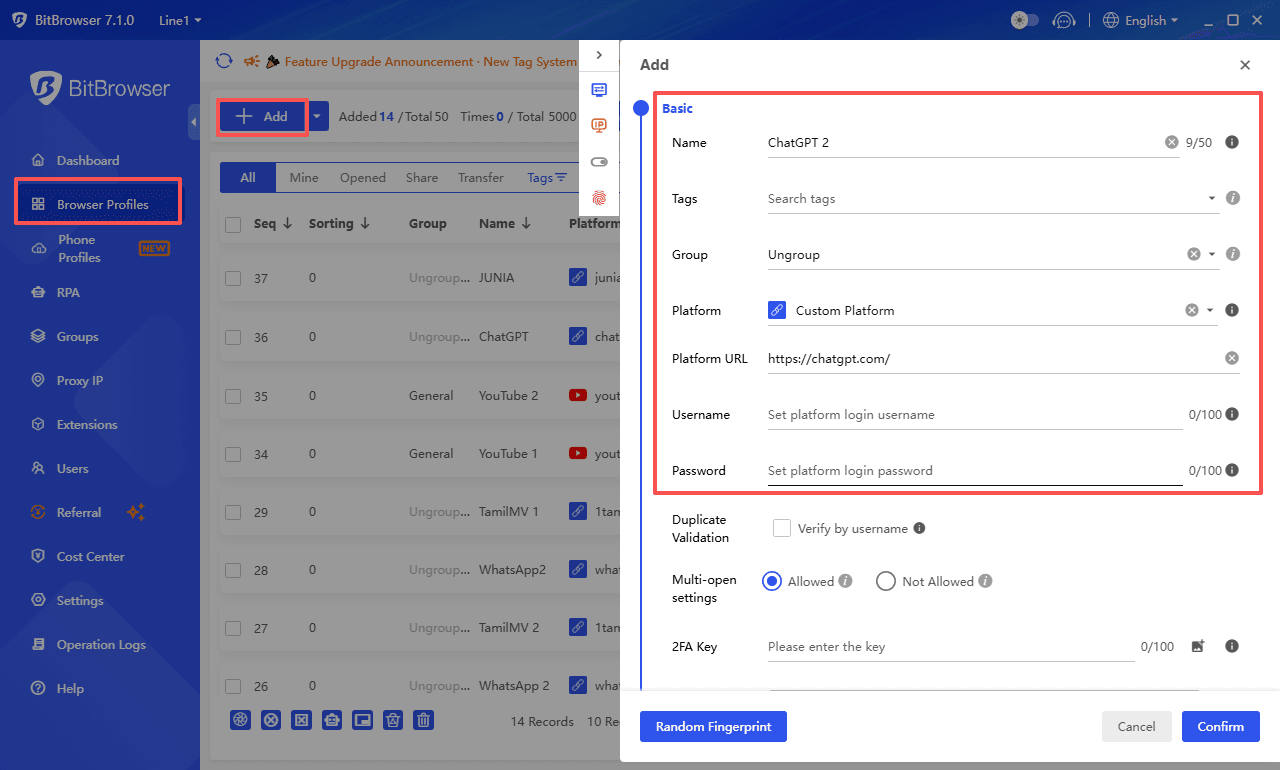
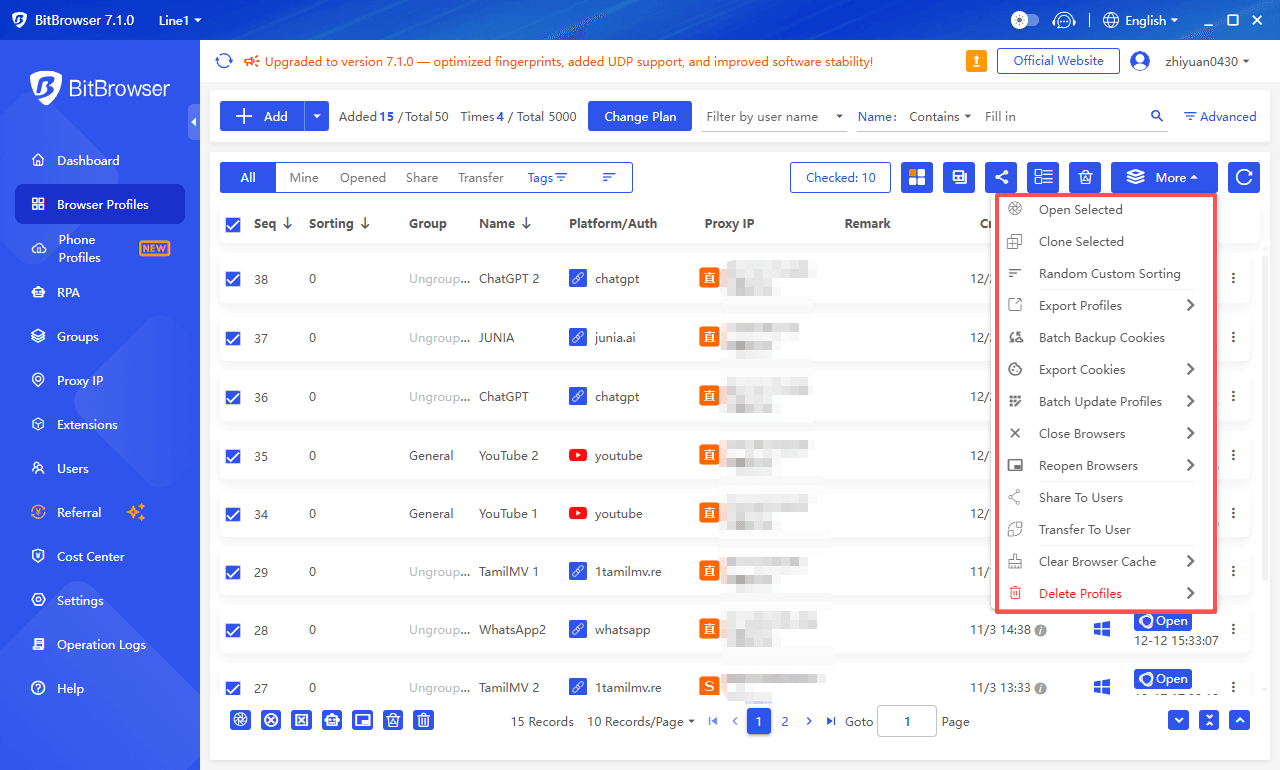
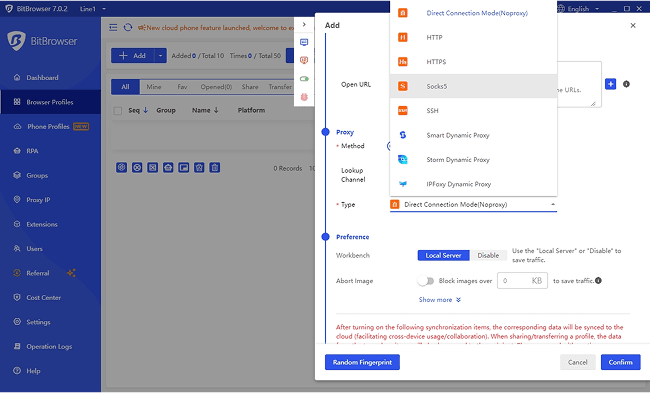
To completely avoid detection and bans by Tinder's system due to "multi-account association" or "device fingerprint," many users who wish to safely recover their Tinder accounts opt to use tools like BitBrowser. BitBrowser is a professional anti-detect browser, and its core function is to create independent browser profiles for each account.


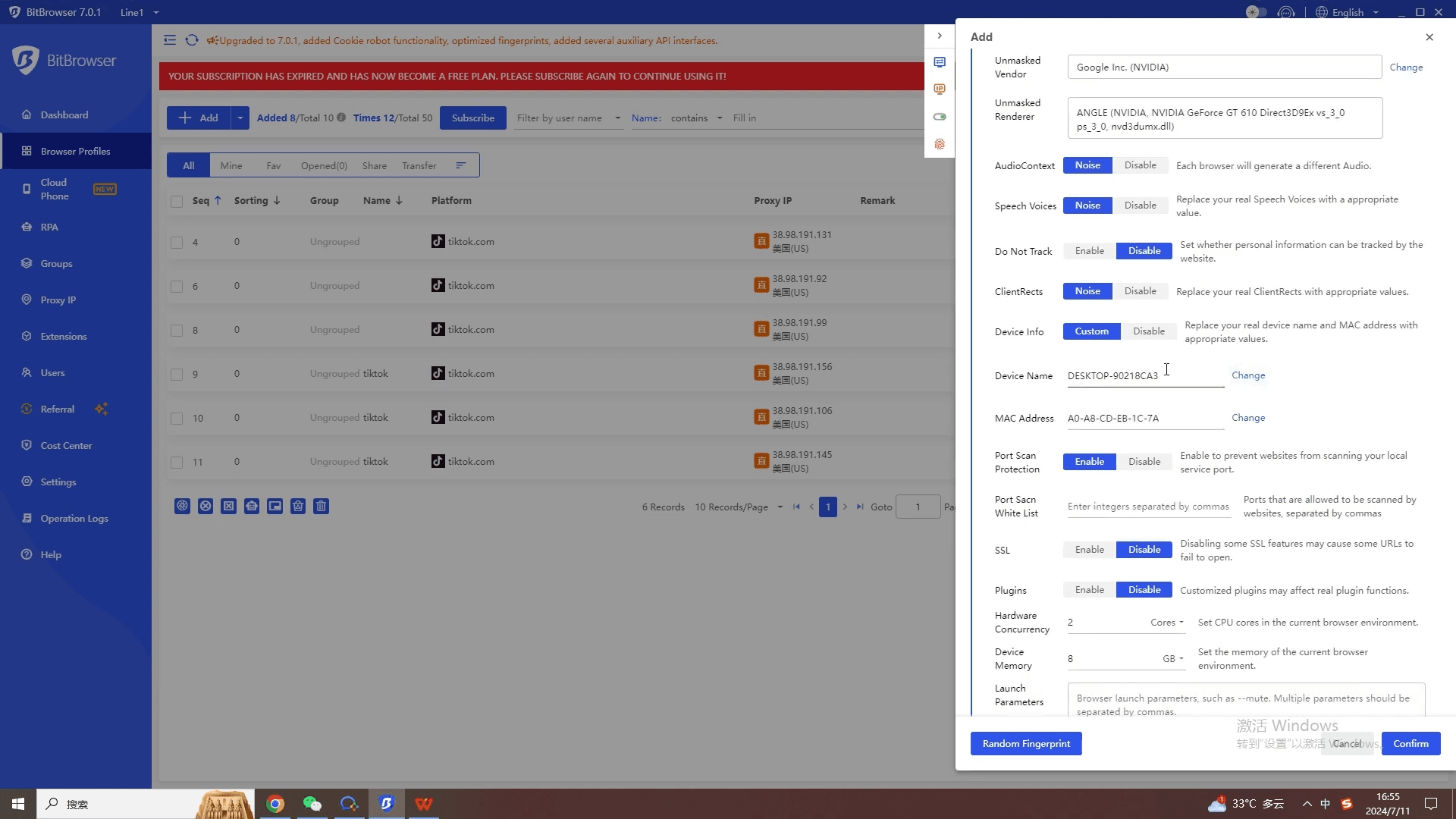
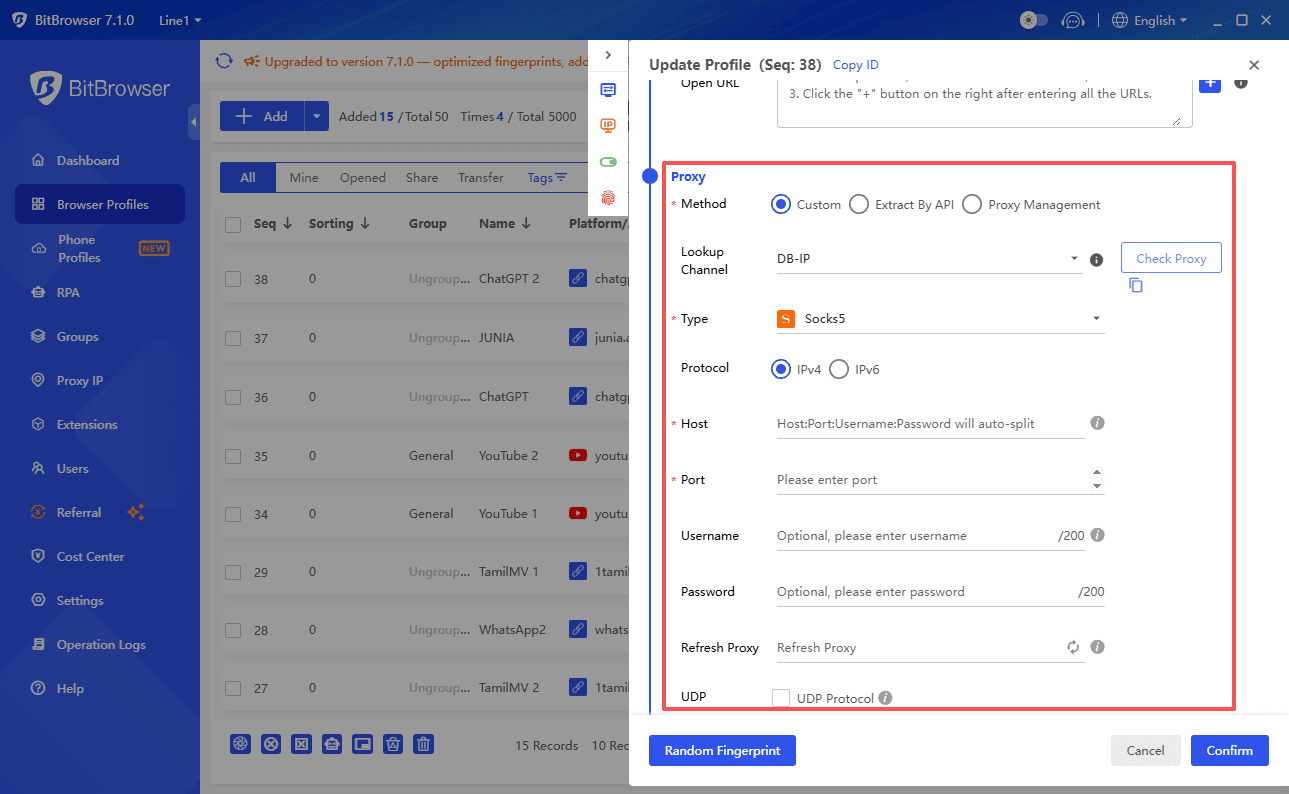
With BitBrowser, you can configure a completely isolated operating environment for each Tinder account, including unique browser fingerprints (such as operating system, language, screen resolution, etc.) and different proxy IPs. This means your new Tinder account will appear to Tinder as if it's from a brand-new, never-banned device. This measure of isolating the operating environment effectively reduces the risk of being banned again by Tinder, significantly improves the survival rate of new accounts, and allows you to rebuild your new Tinder profile with more peace of mind.


bitbrowser
③ Use the New Account Cautiously: After successfully creating a new account, be sure to avoid excessive swiping or sending mass messages. Use the app naturally like a real, ordinary user, gradually build up your profile, and maintain a low profile.


Summary:


Through official appeals, or after a failed appeal, by using professional tools like BitBrowser to safely rebuild an isolated operating environment, you have a full opportunity to regain access to Tinder. Patience, caution, and using the right tools are your best strategies to lift the Tinder ban and protect your account's long-term survival.
 
Managing dozens of Facebook accounts for A/B testing often means relying on residential proxies, where one compromised IP can bring down an entire bundle. With iProxy, each account can be tied to its own SIM card, giving you full control over IP rotation.
Scraping data from e-commerce platforms, social networks, Google Maps, and other sources quickly exposes the limits of residential proxies, which get blocked almost immediately. Mobile proxies provide stable traffic from real carrier IPs, with rotation that can be done frequently and with almost no restrictions, so even repetitive actions blend in as normal user behavior.
These are not rare scenarios but everyday challenges for marketers, developers, and data engineers. Account management, scraping, and creative testing regularly run into bans and unstable access. Residential proxies are easy to detect, while mobile proxies work differently: a real SIM card, dynamic IP rotation, and seamless integration into genuine user traffic. That’s why they’re the smarter choice for critical workflows.
When work spans multiple cities or countries, ready-made proxies can be more practical. iProxy does not spoof geolocation, but it does provide real mobile IPs tied to SIM cards. For specific countries, verified sellers in the iProxy Store ensure high-quality proxies you can trust.
Not all mobile proxies are reliable, as many are resold, noisy, or misconfigured. The safest option remains building your own.

Why mobile proxies are more reliable​

Unlike residential proxies, mobile proxies run on real SIM cards connected to actual carrier networks. Platforms trust these IPs more because they’re already verified by operators and browsers, which reduces the risk of bans.
Carriers typically assign large IP pools to a single user, and these rotate naturally and quickly. On top of that, mobile IPs sit inside massive NAT pools — groups of addresses that hundreds of devices may share over time. This creates natural background noise, making it far harder to pinpoint a single user.

Own proxies vs ready-made solutions​

Ready-made mobile proxies can be convenient, and multi-user proxies can even be cheap. But there are risks you need to consider: you pay for someone else’s infrastructure and share IPs with unknown users. As a result, you get lower speed and a higher risk of blocks due to shared IPs.
That’s why, when working in your own geolocation, we recommend creating your own mobile proxies.
With iProxy you use clean IPs from your own SIM card. You and only you manage IP rotation and traffic. And your own mobile proxies are cheaper, safer, and fully under your control.

Comparison​

iProxy (DIY)Ready-made mobile proxies
IP ownershipOnly yoursShared IPs
Risk of “noisy neighbors”NoneHigh
Price per IP per month~$6 + SIM$50–100
Traffic limitsNoneOften present
IP rotation controlFullLimited
With iProxy, your proxies are fully under your control. Nobody else uses your IPs, your bandwidth, or changes your rotation settings without your knowledge.

DIY proxies: from personal tool to income source​

DIY mobile proxies aren’t just for personal use, they’re infrastructure you can monetize.
Start with a single phone and SIM. A week later you might have five devices. Within a month you have your own proxy farm that you can rent out and generate income from.
With iProxy, this shift from personal use to business happens naturally. SIM cards can be ordered the same day from your carrier, and almost any phone model, even second-hand ones, will work.
The IP pool, volume, and subnets depend on your operator. Users report getting thousands of unique IPs per day from a single phone. Your dashboard also keeps IP history, which you can share with clients anytime.
Building a proxy farm used to require deep technical skills, custom scripts, and manual infrastructure management. With iProxy it’s plug and play: install the app and manage everything from your dashboard or via Telegram bot.

What Sets iProxy Apart​

iProxy.online is an Android app that turns your phone into a fully-fledged 4G/5G mobile proxy in just minutes.
Here’s what you get:
  • Unlimited IP rotation (scheduled, by link, via Telegram bot, or dashboard)
  • Real SIM-based IP addresses
  • No traffic caps (users report 300 GB/day and up to 15M requests)
  • Start with one phone and SIM, scale as you grow
  • Protocols: HTTP, SOCKS5, OVPN, UDP
  • Full API access

  • Advanced features: WiFi Split, fingerprint spoofing, logs, uptime monitoring, traffic calculator
  • Real support staff — no copy-paste answers
And importantly: iProxy isn’t a tool for shady schemes. It’s used by:
  • Marketers and arbitrage teams for account management
  • QA engineers and security researchers
  • Crypto and fintech teams testing apps across regions
  • Fast-growing startups, where every ban hurts
Mobile proxies aren’t “underground tools.” They’re just infrastructure — how you use them is up to you.

Getting Started with iProxy​

  1. Register on the website
  2. Download the Android app via Google Play or APK link
  3. Log in with PIN or username/password
  4. Complete the setup steps
  5. Make sure mobile data on your SIM is active
That’s it. Your phone is now a mobile proxy generator. No wires, no routers, no modems.

Who it is for​

🧠 For marketers and arbitrage specialists: work with accounts using one SIM each, avoid overlaps and bans.
🧪 For QA and product teams: check restrictions and app behavior from different regions
📊 For scrapers and data engineers: handle high volumes, avoid limits, automate rotation.
🧱 For resellers and hosters: monetize infrastructure, connect clients, track usage.

In conclusion​

A mobile proxy isn’t a “hack.” It’s the new infrastructure standard for working with even the most IP-sensitive platforms.
iProxy gives you the foundation. Use it for yourself? Perfect. Want to build a business? The tools are already here.
Your IPs, your SIMs, your rules. Exactly how it should be. Just remember: geolocation isn’t spoofed — the IP always reflects the physical location of the SIM card.
 
Managing multiple mobile accounts—whether for social media, marketing, or e-commerce—requires the right tools. Two standout platforms in 2025 are BitCloudPhone (by BitBrowser) and DuoPlus. Both offer virtual mobile environments in the cloud, but each brings its own strengths to the table. Here’s how they stack up.

What is BitCloudPhone?

BitCloudPhone is a cloud-based Android emulator developed by BitBrowser. It creates isolated, fingerprinted Android environments that let users manage hundreds of mobile accounts simultaneously—all from a desktop interface. It’s designed for heavy users of platforms like TikTok, WhatsApp, and Instagram who want scalable, automation-ready tools with built-in privacy and location controls.
image.png

What is DuoPlus?

DuoPlus is a powerful cloud phone solution that supports both Android and iOS environments. It provides access to full mobile operating systems remotely, allowing users to run apps, livestream, manage stores, and even control system-level functions—all without physical devices.
image.png

BitCloudPhone vs DuoPlus: Feature Comparison

FeatureBitCloudPhoneDuoPlus
Platform SupportAndroid onlyAndroid + iOS
Use CaseSocial media automation, affiliate marketing, mobile app testingApp campaigns, livestreaming, game marketing, e-commerce
Device EmulationAndroid with unique device fingerprinting (IMEI, OS version, etc.)Full mobile OS simulation with full system access
Location & GPS SpoofingSIM card simulation, GPS spoofing, region/language settingsGPS, local carrier, and phone number simulation
Proxy SupportSOCKS5 / HTTP(s) proxies per profileFull proxy integration for each cloud phone
App SupportAndroid apps + APKsAndroid and iOS apps via native app stores
Automation & Batch ToolsBuilt-in automation, profile scripting, batch managementBulk device/app deployment, group operations
UI & ControlDesktop dashboard (Windows/macOS)Web or client interface
Scalability100s of profiles managed in parallelManage multiple cloud phones at scale
Ideal ForSocial media managers, affiliates, bot users, e-commerce operatorsApp marketers, content creators, mobile game ops, livestreaming teams

Choose BitCloudPhone If You Need:

  • Android-only operations with deep control over each device’s fingerprint.
  • Scalable cloud-based profiles for social media, e-commerce, or affiliate campaigns.
  • Full isolation between accounts with independent proxies and SIM spoofing.
Key Advantages:
  • Unique Android fingerprinting (IMEI, OS, sensor emulation)
  • Geo-targeting support (carrier/SIM/language)
  • Runs seamlessly on PC or Mac without hardware bottlenecks

Choose DuoPlus If You Need:

  • Cross-platform (Android + iOS) mobile emulation.
  • Full mobile OS access for app testing, livestreaming, or customer service.
  • Real-time interaction with mobile apps from anywhere.
Key Advantages:
  • Full control over Android/iOS features
  • Ideal for live shopping, mobile gaming, and influencer account management
  • Supports app store access and full system emulation

Summary: Key Differences

AspectBitCloudPhoneDuoPlus
OS SupportAndroidAndroid + iOS
Customization LevelHigh fingerprint control, automation, proxy per profileFull OS-level control, app store access
App FocusTikTok, WhatsApp, Instagram, custom APKsE-commerce apps, live platforms, mobile games
InterfaceDesktop clientWeb-based or client app
Best ForSocial media marketers, automation developersMobile marketers, creators, livestreamers

Final Verdict: Which Tool Should You Use?

  • If you're serious about scaling mobile operations, running multiple accounts safely, and automating tasks at scale, then BitCloudPhone is the clear winner. It’s faster, more stable, and built specifically for Android-based growth and monetization.
  • Choose BitCloudPhone if you:
  • Run social media marketing, affiliate campaigns, or mobile-based e-commerce
  • Need Android emulation with advanced spoofing and automation
  • Want to manage 10 to 1,000+ devices without sacrificing performance
  • Consider DuoPlus only if you absolutely need iOS support or basic device management without deep customization.
  • Pro Tip:

  • BitCloudPhone is tightly integrated with BitBrowser, one of the best anti-detect browsers for managing desktop accounts. If you're running both desktop and mobile accounts, combining these two tools gives you an unbeatable setup.
 
bitcloudphone

In 2025, cloud phone technology has changed the way businesses and individuals handle multiple online accounts. With these virtual mobile environments, there's no need for physical device farms anymore. Instead, we now have flexible solutions for cross-border e-commerce, social media marketing, and app testing operations.

DuoPlus Cloud Phone lets you manage multiple mobile accounts on your computer with easy remote access to real Android and iOS environments. It makes mobile operations faster and more efficient. This review covers DuoPlus Cloud Phone’s key features, pricing, user experience, and main limitations. We also highlight the top alternatives in 2025, including BitCloudPhone, to help you choose the best cloud phone for social media or e-commerce management.


DuoPlus Cloud Phone Review 2025​

1. Product Positioning and Key Use Cases​

DuoPlus Cloud Phone positions itself as an ARM‑based cloud device platform that delivers authentic mobile environments for Android devices only (as of 2025). Users get access to virtual devices that mirror real smartphones, complete with region‑specific device fingerprints that help maintain account authenticity across platforms.


The service targets user groups who need reliable multi‑account management: cross‑border e‑commerce sellers managing multiple store accounts, social‑media advertisers running campaigns on TikTok, Instagram or Facebook, multi‑account operators handling many profiles for business use, and teams needing scalable device testing or app QA.


DuoPlus Cloud Phone’s advantages become clear when you want scalability without the burden of maintaining many physical devices. You can spin up new virtual devices in minutes, access them via browser from anywhere with internet, and manage entire device fleets from a single dashboard. It can remove the need for physical device storage, reducing hardware maintenance cost, and simplifying team collaboration.

Limitations to note:​

· As of 2025, DuoPlus only supports Android, not iOS.

DuoPlus

· DuoPlus is specifically optimized for overseas cross-border social media apps and does not support services related to apps from mainland China.


· Technical setup (proxy configuration, device‑fingerprint management) requires some know‑how; for beginners or non‑technical users, the entry barrier might be relatively high.


DuoPlus


2. User Interface and Usability​

DuoPlus provides a web-based dashboard (also available as a downloadable desktop client for Windows and macOS) to manage virtual devices. Users can view their cloud phones in a list, with sorting, filtering, grouping/search and naming‑editing functions, which is handy when handling many devices, projects or client accounts.


The platform supports browser access, allowing control from any computer or mobile device without needing to purchase or store physical phones.


DuoPlus
DuoPlus

Because the cloud phone runs remotely and delivers video/interaction through the network, actual launch and rendering performance depend on your internet connection and server load. Some users report that reducing rendering quality improves smoothness under poor network conditions.


For power users and teams, especially those managing multiple accounts or doing automation, DuoPlus offers bulk operations, batch installation/uninstallation, one‑click new device generation, batch reboot/shutdown, and group‑control features, which significantly streamline large‑scale operations.


Regarding DuoPlus's RPA functionality, no obvious tutorial was found within its task workflow creation interface.


DuoPlus

That said, because the number of features and the required configuration (proxies, device‑fingerprint settings, batch controls) is substantial, beginners may face a learning curve. The official documentation is comprehensive but technical, which may be overwhelming for users completely new to cloud‑device management.


3. Pricing Structure (Platform Fees Only)​

DuoPlus Cloud Phone’s pricing mainly consists of two components.


First, the cloud device cost starts at $2 per month per device; each purchase or renewal includes additional temporary startup time. Second, the startup cost depends on the chosen mode: under Temporary Startup, devices are billed $0.15 per 30 minutes, capped at $0.9 per device per day. Under Subscription Startup, a fixed monthly fee is charged per device, providing predictable costs for continuous or large-scale usage.


For small numbers of devices or occasional use, per‑device costs tend to be higher under the temporary‑startup model.


image.png

4. Proxy Integration and Network Environments​

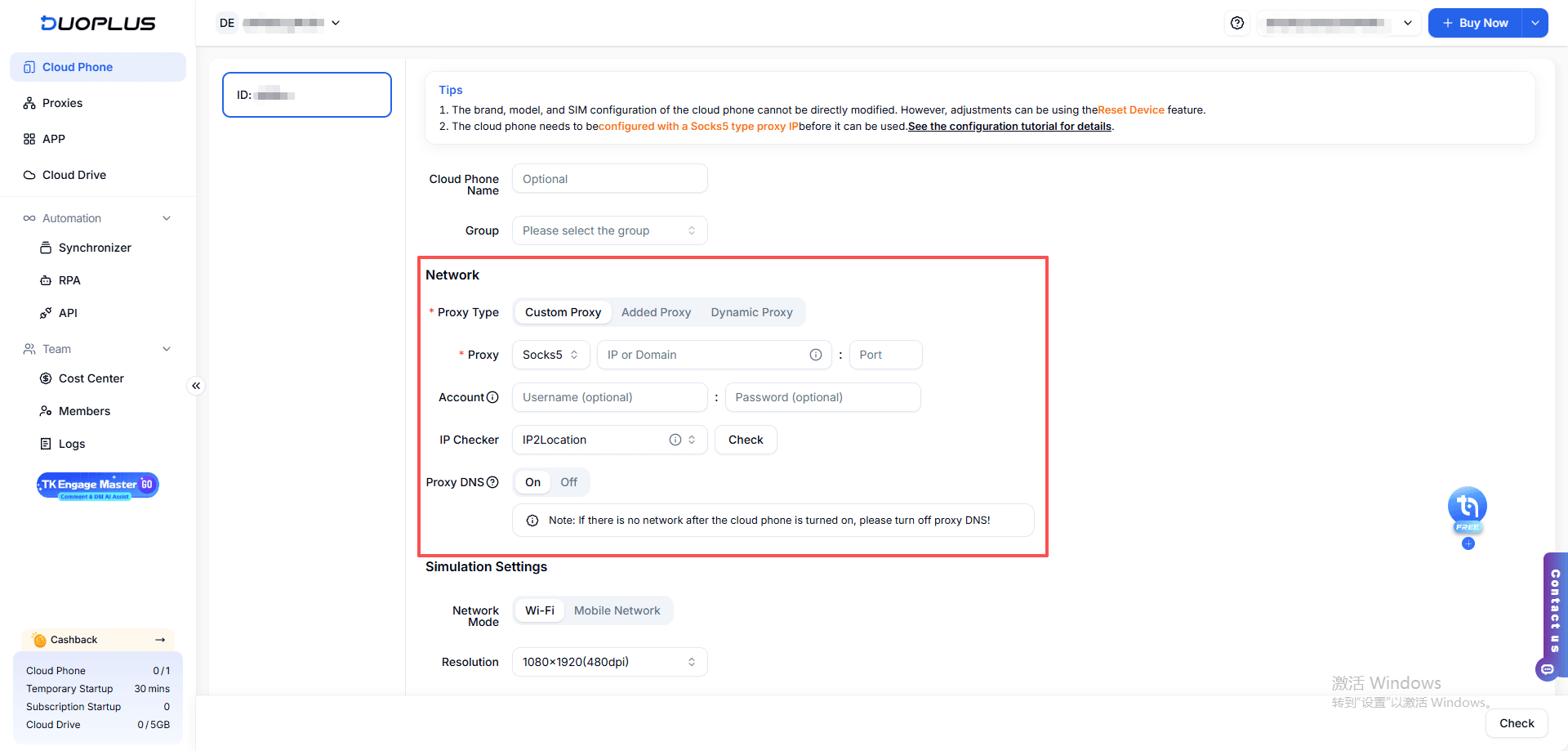
Network configuration is critical for account safety, especially when managing multiple accounts or running automation. According to DuoPlus’s official docs, the service currently supports only SOCKS5 proxies; HTTP(S) or SSH proxies are not supported.


DuoPlus does not provide proxy IPs, you need to obtain and configure a valid proxy from an external provider.


While you can assign a dedicated proxy per cloud phone (and the platform allows batch‑adding multiple proxies), managing proxies for dozens or hundreds of devices simultaneously can become cumbersome, particularly when each device must have a unique and stable IP. For teams without experience in proxy pool management, this may add significant setup and maintenance overhead.


Consequently, DuoPlus is best suited for users with some technical background or for smaller‑scale operations. Beginners, large-scale multi‑account operators, or teams needing advanced proxy customization should be aware of potential challenges, such as configuration complexity, proxy quality and speed variability, and additional troubleshooting costs.

5. Pros & Cons of DuoPlus: Recap​

DuoPlus Cloud Phone is an ARM‑based cloud device platform designed for Android in 2025, offering virtual devices that replicate real smartphones with region‑specific fingerprints. It excels at scalable multi‑account management, allowing cross-border e-commerce sellers, social media advertisers, and app testing teams to manage large fleets of devices via a web-based dashboard from anywhere. Its strengths include easy device provisioning, batch operations, and centralized team management, reducing the need for physical devices and associated costs.


However, DuoPlus has some limitations. It only supports Android (no iOS), is optimized for overseas apps rather than China-based services, and requires technical knowledge for proxy and fingerprint setup. Managing proxies for large-scale operations can be cumbersome, and beginners may face a steep learning curve.


Additionally, per-device costs under the temporary startup mode can be high for small teams. Overall, DuoPlus is best suited for technically proficient users or smaller-scale operations needing flexible, scalable cloud devices.


BitCloudPhone: Best Alternatives to DuoPlus Cloud Phone in 2025​

BitCloudPhone stands out as a best cloud phone alternative specifically designed for users who prioritize automation and Android-focused operations.

bitcloudphone

1. Hardware authenticity & fingerprint realism​

BitCloudPhone emphasizes deeper “real-device” parameter emulation (IMEI/serial/baseband, extensive carrier/SIM emulation and sensor simulation). DuoPlus also uses ARM-based cloud devices and global SIM/base-station simulation, but BitCloudPhone positions itself as stronger on “hardware-level identity” and large carrier coverage.


BitCloudPhone features include sophisticated device fingerprinting that goes beyond basic identification. The platform simulates IMEI numbers, OS versions, and even SIM card details to create authentic-looking device profiles. During my testing, I found these simulated identities passed platform verification checks on major social media networks including TikTok, Instagram, and Facebook without triggering security flags.


Recommended Reading:

How to Manage Multiple TikTok Accounts Safely with BitCloudPhone (2025 Anti-Ban Guide)

2. Performance stability​

Independent writeups and vendor material indicate BitCloudPhone tends to advertise lower crash rates / higher uptime for heavy social-media tasks; DuoPlus also claims wide compatibility but some third-party reviews note mixed stability scores.


BitCloudPhone's desktop user interface provides faster responsiveness compared to browser-based cloud phone solutions. When managing 20+ accounts simultaneously, I noticed BitCloudPhone maintained smooth performance while DuoPlus occasionally experienced lag during peak usage times. Social media managers, affiliate marketers, and bot operators will appreciate the streamlined workflow that BitCloudPhone offers for multi-account scaling.


bitcloudphone

3. Cost-effectiveness​

BitCloudPhone promotes a low time-based entry price (commonly presented as around $0.03 per environment per day in vendor documentation), while DuoPlus uses a $0.15-per-30-minutes temporary startup model with a daily cap of $0.9. These structures lead to very different monthly cost outcomes for users.


In practice, DuoPlus tends to have higher per-device fees, particularly when scaling to multi-device bundles. BitCloudPhone, by contrast, offers lower per-device pricing, more flexible device quotas, and better overall value for teams managing many cloud phones. Its pricing model also scales more efficiently as the number of active devices increases, giving it a clear advantage in cost-effectiveness.


bitcloudphone

4. Integrated Ecosystem with BitBrowser​

In addition to its lower per-device pricing, BitCloudPhone offers a major advantage through its integrated ecosystem with BitBrowser. This pairing allows users to manage cloud phones and anti-detect browser environments within a unified workflow, reducing the complexity of maintaining separate tools for device operations, fingerprint management, and account security.


For teams running multi-account campaigns on platforms like TikTok, Instagram, or Facebook, this integration streamlines daily operations, improves account isolation, and minimizes configuration errors that often occur when switching between multiple third-party solutions.


By combining cloud phones and an anti-detect browser in a single ecosystem, BitCloudPhone provides a more cohesive and efficient infrastructure. This is an advantage DuoPlus does not currently offer. This integrated approach not only reduces tool fragmentation but also enhances scalability and operational consistency for professional teams.


bitbrowser
BitCloudPhone excels in scenarios where you need to:

· Run multiple social media accounts with distinct device fingerprints

· Automate repetitive tasks across numerous mobile accounts

· Test mobile applications under different device configurations

· Manage affiliate marketing campaigns requiring location diversity

· Scale operations across multiple virtual devices without incurring additional hardware costs.


Conclusion​

Cloud phone solutions have reshaped multi-account operations in 2025, offering scalable, hardware-authentic virtual devices that eliminate the need for large physical device farms. DuoPlus Cloud Phone remains a capable option for users with technical experience, especially those who focus on Android-based cross-border e-commerce or social media management. However, its proxy limitations, Android-only environment, and higher per-device costs may challenge beginners or large teams.


BitCloudPhone emerges as the stronger alternative for users seeking better cost-efficiency, smoother performance, and an integrated ecosystem with BitBrowser. For teams managing large social-media fleets, running automation workflows, or scaling multi-account operations, BitCloudPhone delivers a more unified and scalable long-term solution.


FAQs (Frequently Asked Questions)​

1. What is a cloud phone and why is it useful in 2025?​

A cloud phone is a virtual mobile device hosted on cloud infrastructure. It allows users to run apps, manage accounts, and simulate real smartphone behavior without physical devices. In 2025, it is widely used for e-commerce account management, social media operations, app testing, and automation tasks.

2. What are the main features of DuoPlus?​

DuoPlus offers several useful capabilities for users who focus on Android-based operations. It provides stable overseas Android cloud devices, supports mainstream social and e-commerce apps, and offers flexible billing models.The platform also includes tools for device snapshots, script automation, and multi-device task execution, making it convenient for users who need to clone environments quickly or run repetitive workflows across multiple cloud phones.

3. What are the main limitations of DuoPlus?​

DuoPlus currently supports only Android cloud devices and provides no iOS environment. Its network configuration also relies solely on SOCKS5 proxies, which may limit flexibility for users who use HTTP(S) or SSH-based proxy infrastructures.

In addition, tasks like proxy setup, device-fingerprint adjustments, and large-scale batch operations require some technical background, so beginners may experience a steeper learning curve during initial setup and troubleshooting.

4. What proxies does DuoPlus support?​

DuoPlus supports only SOCKS5 proxies. It does not support HTTP, HTTPS, or SSH proxies, and it does not provide its own proxy IPs. Users must obtain proxies from external providers.

5. Why is BitCloudPhone considered the best alternative?​

BitCloudPhone offers:

· Lower per-device pricing

· More stable performance under multi-device loads

· Stronger hardware-level fingerprint simulation

· A unified ecosystem integrated with BitBrowser

· Better cost scaling for medium to large teams

These advantages make it more suitable for professional teams and long-term multi-account operations.
 

TikTok risk control evolution in 2025: from device detection to behavioral analysis​

2025 TikTok's risk control focus has shifted from device environment detection to behavioral analysis. Even if the equipment and network environment are fully compliant, if the account operation is not in line with the real person's trajectory, it will still be blocked or restricted. This means that the traditional single script operation can no longer adapt to the platform wind control, multi-dimensional simulation of real people has become the key to account survival.


Currently TikTok uses a multi-level detection system that combines IP tracking, device fingerprinting, account association analysis and behavioral pattern analysis. Among them, behavioral risk control becomes the core focus, and the system detects whether user operations are in line with normal human usage habits, including the randomness of operation time, the diversity of actions, and the balance between content consumption and creation.


BitCloudPhone

BitCloudPhone, as a professional-grade cloud emulation platform, provides technical support for the secure management of multiple TikTok accounts through four core capabilities:


1.Real-Device Level Emulation

Utilizing ISP chip fingerprints equivalent to the Snapdragon 8 Gen 2 and dynamically matching 600+ global carrier parameters (IMEI/MAC/time zone) to achieve hardware-level real-device simulation. This technology ensures each cloud phone has a unique and trustworthy device fingerprint, preventing platform risk controls triggered by abnormal virtual device parameters.


2.One-Click New Phone Function

The upgraded "One-Click New Phone" feature reduces initialization time from 30 seconds to just 8 seconds, automatically synchronizing country, language, and time zone parameters. When an account environment is potentially compromised or needs rapid switching, this function enables instant device-level regeneration, effectively severing account associations.


Batch Multi-Instance Management: A Cloud Phone Synchronizer allows for synchronized operation of hundreds of devices, enabling real-time monitoring of task progress and data status. The synchronizer function empowers a single operator to manage hundreds of accounts, increasing efficiency dozens of times while maintaining complete isolation between cloud phone profiles.

bitcloudphone

>>>View the tutorial on how to use the BitCloudPhone Synchronizer function


3.Matrix Account Nurturing System

The built-in script marketplace provides tools for automated social media actions like following, check-ins, and commenting. It supports breaking down the account nurturing process into segmented tasks (e.g., from 8 AM to 10 PM), fully simulating genuine user behavior patterns.


bitcloudphonebitcloudphone

Environmental Isolation Strategy: Achieving Perfect Isolation Between Accounts​

The core of environmental isolation is to ensure that each account operates within an independent and pristine device and network environment. This prevents accounts from being collectively penalized by platform risk controls due to "association violations."


1.Device Isolation Solution​

BitCloudPhone utilizes sandbox isolation technology to independently emulate parameters like IP address, time zone, and SIM card status, ensuring non-association risks during multi-account operations. Each virtual device is assigned a unique device fingerprint (including IMEI, Android ID, etc.), effectively severing the hardware-level links between accounts from the ground up.


2.Network Environment Configuration​

  • IP Purity

Priorititize residential IPs over data center IPs. While a single residential IP costs approximately $0.1 per day, it improves stability by up to 70%. Avoid IP ranges starting with "100.64.0.0/10" and "192.0.0.0/24", as these are often flagged by platforms like TikTok as indicators of "bulk registration tools," leading to a ban rate exceeding 90%.


  • Environmental Consistency

Ensure the geographic location of the IP address matches the language and time zone settings configured within the cloud phone.

For instance, when using a US IP, the cloud phone's time zone must be set to a US timezone to create a unified, localized environment.


  • DNS Detection

Regularly use tools like "WhatIsMyIP" to check if the DNS is flagged as belonging to providers like "Cloudflare." If the result shows an inconsistent or unexpected ISP, the IP should be replaced immediately.


Behavioral Risk Control Bypass: Replicating Authentic User Operation Trajectories​

In 2025, TikTok’s behavioral risk control system prioritizes three key aspects: avoiding immediate logout after registration, eliminating uniformity in bulk operations, and incorporating multi-action sequences. Below is the implementation framework:


1.New Account Cold Start Process​

Account Registration Phase: Before registering each new TikTok account, execute BitCloudPhone's "One-Click New Phone" operation. Use internationally recognized email services such as Gmail or Outlook for registration, and avoid domestic email providers like QQ or 163. Ensure each account is registered with a unique set of registration details, including email, phone number, and username.


The first 7 days post-registration constitute a "risk control-sensitive period", requiring strict adherence to operational norms:


After registration, do not log out immediately. Instead, remain active by naturally browsing videos, modifying basic profile details (e.g., updating avatars), and engaging in light interactions (e.g., liking content of interest).


Ensure multiple logins within 1–3 days to prevent accounts from being flagged as "low-frequency inactive" (zombie accounts).


2.Simulating Operational Randomness​

Time Randomization

Vary login times across accounts (e.g., Account A at 9:12 AM, Account B at 10:05 AM) and daily video browsing volume (8–15 videos/day, fluctuating based on interest).


Action Diversity

Authentic users exhibit multi-dimensional, interlaced operations. A typical trajectory includes:
Login → Browse Videos → Like → Update Profile Bio → Continue Browsing → Post Content → Browse Again → Logout.

This covers content consumption, interaction, profile optimization, and creation in a non-linear sequence.


Interval Control

Avoid "instant likes/comments". Space interactions by 5–10 seconds to mimic human rhythm.


3.Differentiating Bulk Operations​

When using BitCloudPhone’s synchronizer feature:


Assign differentiated operation scripts to each account. Avoid uniform workflows like Login → Post → Logout → Fixed Interval Repetition or identical captions/hashtags.


Leverage the visual script configuration interface to customize task flows via drag-and-drop modules—no coding required. This enables randomization of operation timing, content, and frequency.


4.Key Considerations​

Environment-Behavior Consistency: Ensure device fingerprints (e.g., IP, time zone, language) align with operational patterns. Inconsistent environments trigger flags despite behavioral mimicry.


Tool-Assisted Precision: Utilize platforms like TK Cloud Master to deploy customizable scripts that automate randomized actions, reducing manual effort while maintaining authenticity.


By replicating irregular, human-like rhythms and diverging from robotic patterns, accounts can effectively navigate TikTok’s behavioral scrutiny.


Cost Optimization Solution: Hybrid​

BitCloudPhone offers multiple computing power modes, allowing users to flexibly select options based on operational needs:


Temporary Computing Power: Ideal for short-term testing or campaign promotions (e.g., temporarily scaling up with 10 devices for an e-commerce "Black Friday" live stream, with pay-as-you-go pricing and no long-term costs).


Monthly Computing Power: Costs as low as less than ¥1 per account per day, suitable for high-frequency stable requirements such as TikTok matrix operations or WhatsApp customer management.


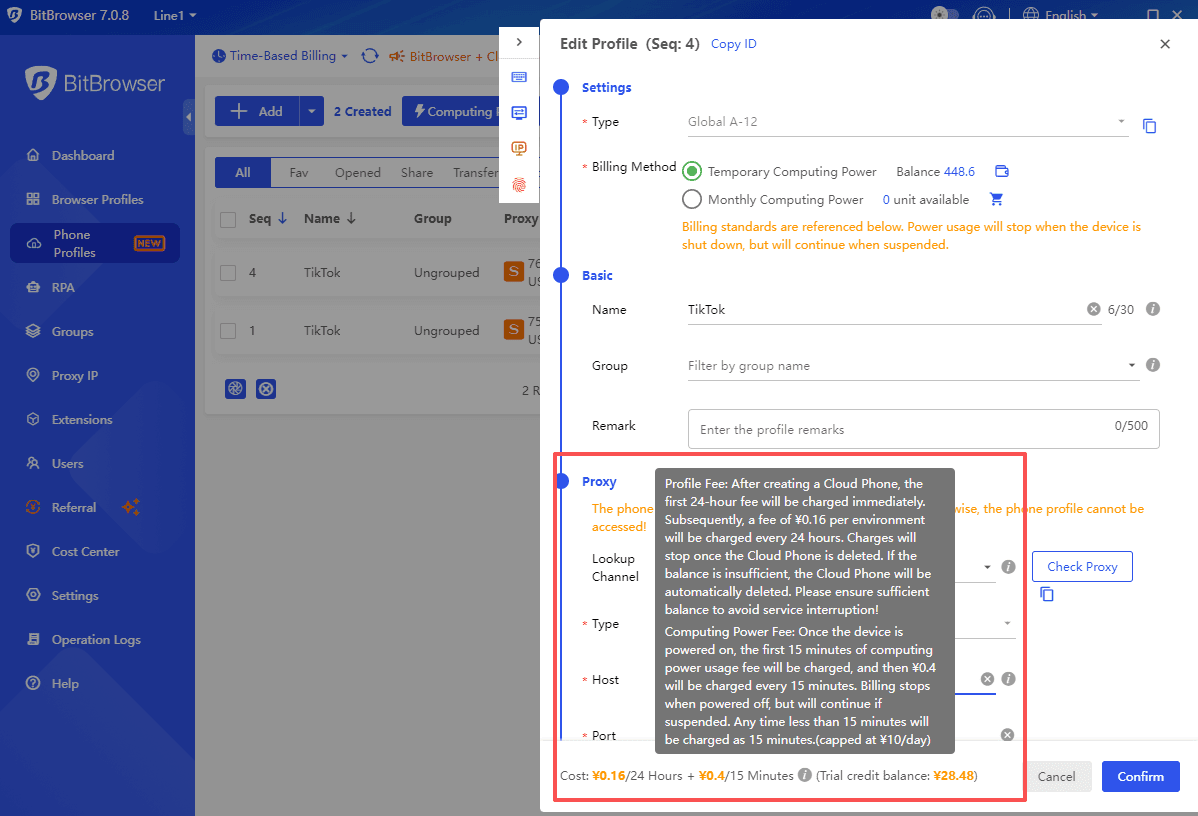
On-Demand Billing: Employs a "per-second billing" model (¥0.16/24 hours/Phone Profile), enabling sellers to quickly deploy test environments to validate ad creatives or keyword combinations.


By adopting a hybrid computing power strategy, long-term accounts utilize monthly plans to reduce costs, while temporary tasks switch to on-demand billing, enabling dynamic resource allocation.

In a practical case, a Shenzhen-based seller used 120 cloud phones to manage buyer accounts across multiple regions, with a daily cost of only ¥19.2. This approach increased order volume by 6x and boosted monthly revenue by $18K.


Conclusion​

Against the backdrop of TikTok's increasingly sophisticated risk control in 2025, managing multiple accounts safely with BitCloudPhone requires a systematic strategy. Only by combining technical tools with a deep understanding of platform rules can long-term stable growth be achieved.
 

BitBrowser​

Best for Digital Marketing & Research on Google Ads, Facebook Ads, Bing, and more

Get Fresh Insights & Know Competitors Better

✓ Protect all ad accounts from detection and suspension🔒 Run multiple ad accounts across channels⚡ Uncover competitors' ad strategies
DownloadSign Up

Why You Need BitBrowser Brand Management​

Brand management means delivering a positive image to your consumers through reputation marketing and maintaining. This requires responding to your customer complaints quickly, monitoring the company's reputation, and creating positive content to increase brand presence. When you do these with the same IP address, however, websites and platforms like Facebook, Google, and Instagram could track you and ban your accounts for data scraping or block content.
Relax! The anonymous browser - BitBrowser - has you covered. From monitoring customer comments on social media to creating content with different accounts across media platforms, BitBrowser can be great helpful to increase your brand reputation.

Monitor and Track Brand Usage & Customer Feedback​

On BitBrowser, you can change digital fingerprint and fake an IP address to monitor online comments without being detected or banned.

Collect and analyze your brand's online social posts across channels or local review sites to improve your service.

Search keywords related to your brand with different IP addresses on Facebook, Google, Trustpilot, and social media to see what comes up in different regions.

Try with 10 Free Profiles
Monitoring brand mentions on Facebook, Google, Trustpilot

Creating content on Instagram, Facebook for brand promotion

Create Positive Reviews on Social Media​

Create as many accounts as you need with BitBrowser without bans. Run multiple accounts on Instagram, Facebook, etc., and generate positive reviews to improve your online presence.

BitBrowser's RPA, synchronize system, script, and API can act as a social media management automation tool to automatically reply to comments and like posts on Facebook, Instagram, etc., to interact with customers.

Start with BitBrowser

Get the Most Out of BitBrowser​

📱

Social Marketing

Manage multiple social media to enhance brand exposure
🔗

Affiliate Marketing

Promote products and services to boost revenue
📊

Web Scraping

Scrape data from any site with simple clicks
🛒

E-commerce

Run multiple business or seller accounts without hassle
🛡️

Privacy & Anonymity

Browse online securely without anyone knowing
🤝

Digital Agencies

Managing multiple client accounts with ease

Frequently Asked Questions about Brand Management​

What social media, platforms and sites does BitBrowser support?​

BitBrowser is an anonymous browser so you can use it to access Facebook, Instagram, YouTube, LinkedIn TikTok, Google, dedicated review sites, and any platform or site you want.

What are the benefits of using BitBrowser for brand reputation management?​

BitBrowser offers a bunch of great features to help you increase brand management, including:

  • Customizable digital fingerprint & 30+ parameters - Let you create multiple accounts on social media, produce positive content, and boost your visibility.
  • Global Proxy IPs - You can search for discussions related to brand names on Google, Reddit, and Quora, in different regions while staying anonymous.
  • RPA Automation, API, Scrip Market - Use these tools to automatically post, comment, and send direct messages.

How to increase brand reputation on social media?​

You can use brand reputation strategies, such as monitoring content related to your brand across Facebook, Instagram, etc., responding to customer comments and complaints, and creating compelling content to increase brand visibility. When doing this, you use BitBrowser to stay anonymous without being tracked by social media, third-party platforms, and sites.
 

🎄 Christmas Super Sale is Live! Up to 55% OFF BitBrowser & 40% OFF Cloud Phones 🎁

The festive season is here, and so are the savings! From December 24, 2025, to January 5, 2026, all USD users—both new and existing— can enjoy exclusive holiday discounts on BitBrowser and Cloud Phone.


❗ Holiday Discounts​

🎄BitBrowser – Up to​

· 3 months: 20% OFF

· 6 months: 30% OFF

· 12 months: 40% OFF

· 24 months: 55% OFF

🎄Cloud Phone Profiles & Computing Power – Up to​

· 1 month: 10% OFF

· 3 months: 20% OFF

· 6 months: 30% OFF

· 12 months: 40% OFF

bitbrowser

🎁 These deals are available to all USD users, perfect for managing accounts, automating workflows, or testing environments this holiday season.​


🎁 Recharge Bonus: Cloud Phone Vouchers​

Get extra value when recharging your Cloud Phone account:​

· Recharge $50–$149 → 10% off Voucher

· Recharge $150–$449 → 15% off Voucher

· Recharge $450–$1,399 → 20% off Voucher

· Recharge $1,400+ → 25% off Voucher


How to Claim:​

1. Go to Cost Center

2. Click Recharge

3. Enter your amount

4. Receive your bonus voucher automatically

🎉 Don’t wait—recharge now and grab your festive bonus!​


✅ Start Saving Today​

The Christmas Super Sale is live now, and these offers are valid until January 5, 2026. Whether you’re a new or existing USD user, it’s the perfect time to upgrade your BitBrowser subscription or Cloud Phone capabilities.

Visit our​


Best Tool for Internet Anonymous Investigations​

Stay anonymous. Explore freely. Keep Internet Investigation Anonymous. Access Online Information Without Restriction. Scrape Data for Deep Internet Research.

✓ Stay Anonymous🔒 Bypass Restrictions⚡ Scrape Data Securely
DownloadSign Up

Why Use BitBrowser for Internet Investigation​

When conducting online investigations, journalists and researchers might find it hard to keep true anonymity and prevent identity leaks. While incognito mode keeps browsing private, it fails to prevent hackers or others track you via device fingerprints and IP. Apart from this, they also can't let you access geo-blocked data, or set you free from manual data scraping.

BitBrowser solves these issues. With unique digital fingerprints and residential IPs (e.g., U.S., Middle Eastern), this anti-detect browser can mimic local users and bypass censorship. Its automation tools scrape real-time data from social media, encrypted forums, or government-monitored sites—24/7 and at scale.
Get Started with BitBrowser

Stay Anonymous and Private for Online Investigation​

Use BitBrowser to generate unique browser fingerprints for each investigation. Prevent platforms from tracking your activities. Hide investigation trails and safeguard sensitive data by isolating profiles.

With IP and fingerprint rotation every 12 hours, BitBrowser protects you from hackers. This anti-detect browser offers secure, undetected access to critical information. Let journalists uncover truths while staying anonymous and protected.

Stay 100% Anonymous with BitBrowser
Unique Digital Fingerprints Browser Interface

Multi-Region Accounts and Proxies

Bypass Internet Censorship, Restrictions, and Filters​

Use our 30+ customizable parameters to change time zones, languages, and device settings. Fake your IPs with global IP addresses (e.g., US, Middle Eastern, or Southeast Asian IPs), and mimic local users.

Bypass blocked websites. Gain secure access to censored news sources or government-monitored sites. Let journalists bypass geo-blocks and surveillance. Stay anonymous and private for internet investigation with this powerful anti-detect browser.

Access Any Information with BitBrowser

Automate Data Scraping and Tracking across Platforms​

Scrape 24/7 automated data via BitBrowser's built-in Script Market or custom RPA workflows, Capture social media trends, dark web forums, and encrypted group content. Bypass anti-bot systems while isolating sensitive data to prevent leaks.

Let journalists and researchers gather real-time insights securely, maintaining anonymity and efficiency. Scale investigations without manual limits—automate, extract, and analyze critical intel safely with this anti-detect browser.

Collect Data Easily with BitBrowser
Automation Scripting Interface

Get the Most Out of BitBrowser​

🕵️

Privacy & Anonymity

Browse online securely without anyone knowing
📊

Web Scraping

Scrape data from any site with simple clicks
🔍

SEO & SERP

Conduct a SERP analysis and improve your SEO
🏢

Brand Management

Boost brand reputation and presence
🤝

Digital Agencies

Manage all clients' accounts with ease


Crypto Transaction

Secure crypto account, wallet, and assets

Frequently Asked Questions about Internet Investigation​

Can platforms like Facebook still track me even if I use a VPN and incognito mode?​

Yes, Facebook can still track you via browser fingerprints (e.g., device specs, fonts) even with a VPN and incognito mode (hides local history). To stay undetectable, use an undetectable browser like BitBrowser to generate unique digital fingerprints with residential proxies. This anti-detect browser fully disguises your IP address and device identity, preventing tracking via cookies, canvas, or behavior patterns.

How to bypass geo-blocking and scrape data from a foreign website?​

Use residential proxies to bypass website blocking. Customize browser fingerprints (time zone, language) and rotate IPs to avoid blocks. Automate scraping via scripts while randomizing request headers and intervals to evade bot detection.

You can do this with BitBrowser. This anti-detect browser lets you access and scrape geo-restricted data while staying undetected.

How to bypass censorship when accessing restricted news sources?​

You can use residential proxies to change your IP address and access the restricted news. Then use an anti-detect browser (e.g., BitBrowser) to mimic real users in unrestricted regions. Customize digital fingerprints, and rotate IPs and fingerprints to avoid detection. This setup securely bypasses blocks, letting you access restricted news sources undetected and anonymously.
 

Best Anti-detect & Anonymous Browser for Traffic Arbitrage​

Drive Massive Traffic and Earn Much Money Online

✓ Gain Traffic Across Platforms✓ Run Accounts without Bans✓ Boost Traffic Efficiently
DownloadSign Up

Why Use BitBrowser for Traffic Arbitrage​

Traffic arbitrage offers businesses a lucrative opportunity to profit from digital marketing. Through search, ad, and content arbitrage, marketers gain web traffic across platforms, and convert it into higher revenue via ads, affiliate links, or subscriptions. However, this is not easy due to account bans from Facebook, and Instagram, inconsistent traffic, and juggling with multiple accounts.

BitBrowser emerges as a perfect solution by masking browser fingerprints, hiding your IPs, and automating workflows. The anonymous browser reduces ban risks, ensures traffic precision, and streamlines operations. Ultimately, BitBrowser empowers you to boost traffic while minimizing operational friction and maximizing profitability.
Get BitBrowser

Gain More Traffic by Running Multiple Profiles and Accounts​

Use the best anonymous browser, BitBrowser, to create multiple browser profiles. Each is equipped with a unique digital fingerprint. Platforms would recognize each profile as a distinct, legitimate user.

Create multiple social media profiles, e-commerce or ad accounts, and affiliate programs. Increase traffic to websites or sell web traffic.

Get BitBrowser
Manage multiple traffic-acquiring accounts with traffic growth icons

Prevent multi-account detection and bans across channels to ensure continuous operation and traffic acquisition

Keep Accounts Active and Avoid Being Banned​

Use BitBrowser's residential IPs and unique fingerprints to mask IP addresses and mimic real users. Help you effortlessly bypass platform detection and prevent account bans from Facebook, Instagram, etc.

Maintain consistent performance, diversify traffic sources, and run ads or affiliate links without detection or suspensions. Constantly gain traffic from social media platforms, search engines, display networks, email lists, etc.

Get BitBrowser

Get Traffic Quickly by Automating Tasks​

Leverage BitBrowser's API for seamless integration, RPA tools for bot-driven ad management, and Script Market's pre-built solutions. Automate repetitive tasks like bulk account creation, ad campaign setups, and profile rotation. Streamline workflows, eliminate manual errors, and save hours daily.

Scale campaigns across Facebook, Google, or Amazon while ensuring compliance. With BitBrowser's tech stack, turn complexity into efficiency—focus on growth, not grind.

Get BitBrowser
Automated Account Management

Get the Most Out of BitBrowser​

📱

Social Media Marketing

Run multiple social media profiles in one place
🛒

E-commerce

Run multiple business accounts without hassle
🔗

Affiliate Marketing

Promote products and services to earn more commissions
🛡️

Brand Management

Boost brand reputation and presence
🤝

Digital Agencies

Manage all clients' accounts with ease
🔍

SEO & SERP

Conduct a SERP analysis and improve your SEO

Frequently Asked Questions about Traffic Arbitrage​

How to stay compliant while running arbitrage on Instagram/Facebook?​

Follow platform policies strictly. Avoid misleading ads, disclose partnerships, and ensure landing pages match ad claims. Use tools like BitBrowser to manage accounts with unique fingerprints and proxies, preventing bans. Rotate creatives, limit aggressive scaling, and monitor policy updates. Prioritize user experience to avoid penalties. >> Full Guide to Managing Facebook Accounts

How to manage 100+ profiles for affiliate campaigns?​

Use BitBrowser to isolate each profile with unique fingerprints and IPs. Automate tasks via APIs/RPA for bulk ad posting, cookie syncing, and data scraping. Schedule rotations to avoid detection. Monitor performance centrally, flagging bans or drops.

How to avoid Facebook/Google Ads account bans when scaling campaigns?​

Use isolated browser profiles (e.g., BitBrowser) with unique fingerprints and clean proxies for each account. Strictly adhere to advertising policies, avoid duplicate content, and "warm up" accounts gradually. Monitor policy changes and maintain IP/device consistency.
 
Playing Roblox at school can be challenging—most school networks block access to popular games. But with BitBrowser, you can safely and easily access Roblox on school iPads, Chromebooks, or computers without downloading anything or risking network restrictions.
In this guide, we’ll explore multiple methods to play Roblox unblocked at school, with a focus on BitBrowser as the ultimate solution for bypassing filters safely.

Part 1. Play Roblox at School Without Download [iPad/Computer]

If your school prevents app installations, browser-based solutions are perfect. BitBrowser is a privacy-focused, anti-detect browser that lets you run Roblox directly in-browser on any device—iPad, Chromebook, or school computer.
MethodProsConsDeviceVPN Required?Safety
BitBrowser▪ Works without download▪ Bypass school network filters▪ Supports multiple accounts▪ Internet speed may affect performanceiPad/Computer❎⭐⭐⭐⭐⭐
Cloud Gaming Platform▪ Easy streaming▪ Bypass school server block▪ Can be slow to loadiPad/Computer❎⭐⭐⭐
Proxy Websites▪ No download▪ Tricky web filters▪ Not always reliable▪ Might be detectediPad/Computer❎⭐⭐⭐
VPN▪ Encrypts connection▪ Reliable▪ Paid service for best serversiPad/Computer✅⭐⭐⭐⭐
Unblocked Roblox Websites▪ Bypass filters▪ No downloads▪ Slow, limited featuresiPad/Computer❎⭐⭐⭐
USB Portable Browser▪ No install needed▪ Leaves no trace▪ USB blocked on some computersComputer❎⭐⭐⭐⭐

Method 1. Play Roblox Unblocked at School Using BitBrowser

BitBrowser is the most reliable browser for unblocking Roblox at school. It’s lightweight, portable, and designed to bypass strict web filters.
Steps to Play Roblox with BitBrowser:
BitBrowser is a multi-profile anti-detect browser that allows you to browse anonymously and bypass network restrictions. It’s perfect for schools and workplaces where Roblox is blocked.
  1. Download and install BitBrowser on your device.
    image.png
  2. Create a separate profile for your gaming sessions.
    Create a New Profile
  3. Enable the built-in IP rotation to hide your location.
    Proxy Via BitBrowser
  4. Access Roblox through the browser and enjoy your games without restrictions.
✅ Pro Tip: BitBrowser also lets you manage multiple Roblox accounts safely, perfect for students who play with friends.

Method 2. Access Roblox via Cloud Gaming Platforms

If BitBrowser isn’t available, cloud gaming platforms can be a backup. These services stream Roblox from remote servers, bypassing local restrictions.
Popular Platforms:
Steps:
  1. Open the cloud gaming website in any browser.
  2. Sign up for an account.
  3. Search for Roblox in the game library.
  4. Start playing unblocked at school.
    image.png

Method 3. Using VPNs to Access Roblox

VPNs encrypt your traffic and bypass most school restrictions. While reliable, they often require paid subscriptions.
Steps:
  1. Choose a trusted VPN (NordVPN, ExpressVPN, or Surfshark).
    image.png
  2. Connect to a secure server.
  3. Open Roblox in your browser or BitBrowser.
  4. Enjoy Roblox without restrictions.

Method 4. Unblocked Roblox Mirror Websites

Unblocked Roblox sites host playable versions in-browser. They’re simple but may be slower or lack full features.
image.png
Examples:

Method 5. Use Hotspot from Personal Devices

If the school Wi-Fi blocks Roblox, you can use your phone as a hotspot.
Steps:
  1. Enable hotspot on your phone.
  2. Connect your school device to the hotspot.
  3. Open BitBrowser and play Roblox.
✅ Pro Tip: Monitor your mobile data usage.

Part 2. How to Download Roblox on School Computer/Chromebook

For full native experience, you can install Roblox—but most schools block it.
Method 1: Chromebook Developer Mode
  1. Backup your files (Developer Mode wipes the device).
  2. Enable Developer Mode: Esc + Refresh + Power.
  3. Allow installations from unknown sources.
  4. Download Roblox APK from a trusted source like APKMirror.
Method 2: Third-Party APKs
Use APKs from reliable websites if Developer Mode is too risky:

Part 3. Playing Roblox on iPad With Device Restrictions

Schools often use MDM profiles to block apps. To bypass these, professional tools like TunesKit iPhone Unlocker can remove restrictions—allowing BitBrowser to run Roblox unblocked.
Steps:
  1. Connect your iPad to your computer.
  2. Open TunesKit and select “Remove MDM.”
  3. Follow the on-screen instructions.
  4. Once complete, open BitBrowser on your iPad and play Roblox.

FAQs on Roblox Unblocked at School

1. Why Is Roblox Blocked at School?
Schools block Roblox to reduce distractions and save bandwidth. Restrictions include firewalls, content filters, and MDM profiles.
2. Can BitBrowser Bypass School Filters?
Yes. BitBrowser is designed to bypass network restrictions safely without requiring downloads or VPNs.
3. Are There Safe Alternatives?
Yes—educational games like Kahoot or CodeCombat. But for Roblox specifically, BitBrowser is the safest, download-free solution.

Conclusion

With BitBrowser, Roblox can be safely played on school iPads, Chromebooks, or computers without VPNs or downloads. Cloud gaming, proxies, or USB browsers are alternatives, but BitBrowser offers speed, safety, and multi-account support in one solution.
Tip: If your iPad is MDM-restricted, use TunesKit to remove limits, then enjoy Roblox through BitBrowser.
 
Kickass Torrents was once one of the most popular torrent indexing platforms in the world. Even years after its shutdown, users still search for Kickass Torrents alternatives, proxy sites, and ways to access torrent content safely.


In 2026, many torrent websites are blocked, unstable, or unsafe due to copyright enforcement, ISP restrictions, and malicious mirror sites. This article lists the 10 best Kickass Torrents alternatives in 2026, focusing on sites that are still accessible, relatively safe, and widely trusted by the torrent community.


We’ll also explain why Kickass Torrents is blocked, what risks users should be aware of, and how to access torrent sites more securely.


What Is Kickass Torrents and Why Is It Blocked?​

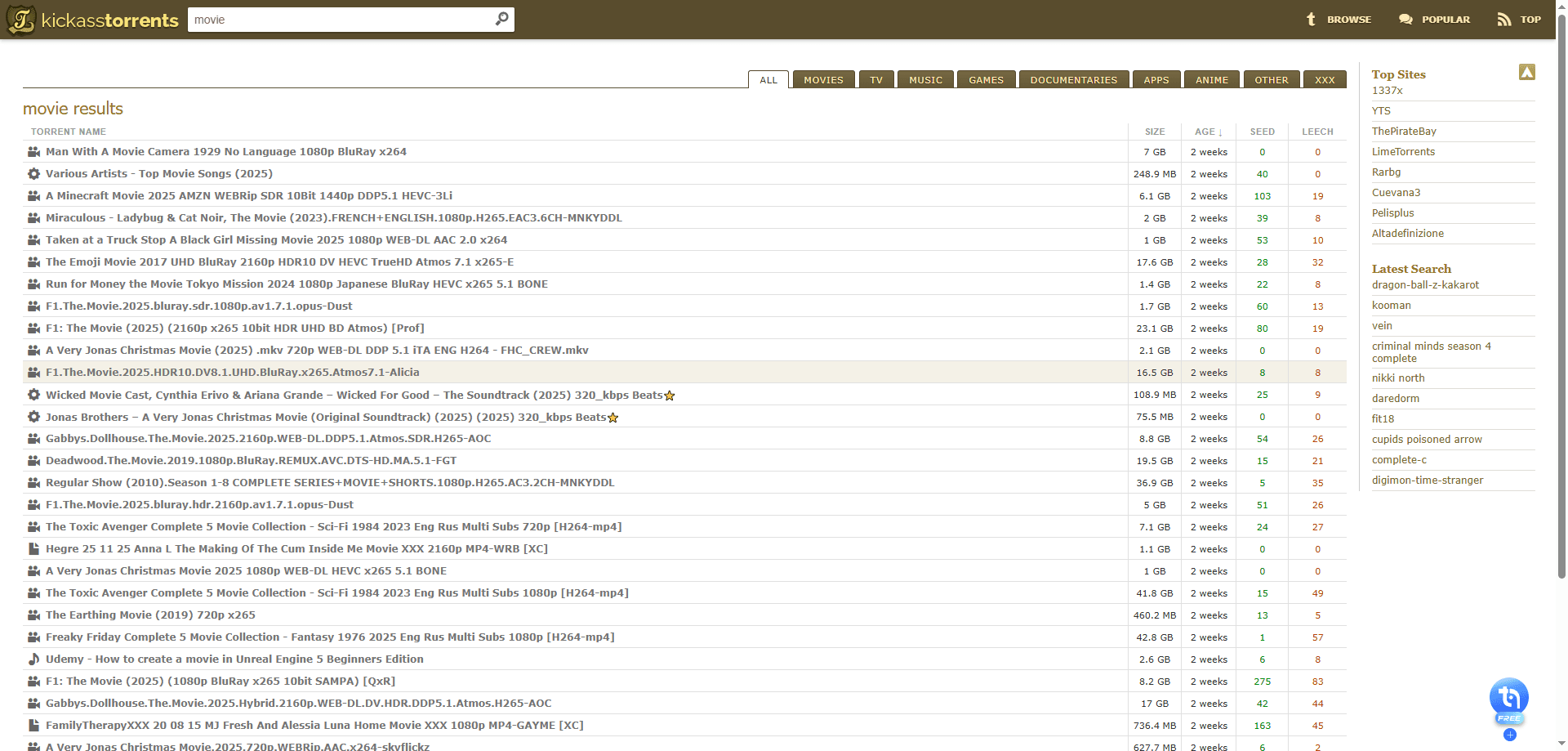
Kickass Torrents (KAT) used to be one of the biggest torrent sites around, with everything from movies and TV shows to software and games. Because so much copyrighted content was shared there, it quickly became a major target for copyright enforcement.


Eventually, the original Kickass Torrents domain was taken down, and many ISPs started blocking access to it. Since then, a lot of fake KAT mirror and proxy sites have popped up. Some of these look convincing but are packed with malware, phishing attempts, or aggressive ads.


If you’re still trying to figure out how to access Kickass Torrents safely, you can also check out this guide:
How to Safely Access Kickass Torrents in 2026 (Unblocked & Secure Guide)


That said, because of the risks involved, most users today prefer using stable and safer Kickass Torrents alternatives rather than relying on unofficial mirrors or proxies.


Best 10 Kickass Torrents Alternatives in 2026​

Over the past few weeks, I tested dozens of torrent sites to find the most reliable Kickass Torrents alternatives in 2026. Below are the Kickass Torrents alternative sites that actually work, load properly in most regions, and have active seeders, even when Kickass Torrents is blocked or restricted by ISPs.

1. The Pirate Bay — Best Overall Kickass Torrents Alternative​

Website:​

The Pirate Bay is still the closest thing to the original Kickass Torrents experience. It has one of the largest torrent libraries on the internet and works as a go-to Kickass Torrents alternative in most countries.


What I personally like most is the trusted uploader system. Uploaders with a skull icon are usually reliable, and during my tests I consistently found torrents with thousands of seeders, resulting in very fast downloads.

image.png

Pros:​

· Massive library across all categories

· Trusted uploader system (skull icon)

· Fewer pop-up ads than most competitors

· Very fast downloads for popular torrents

Cons:​

· Blocked in many regions, may require a VPN or proxy


2. 1337x — Great for Movies and TV​

Website:​

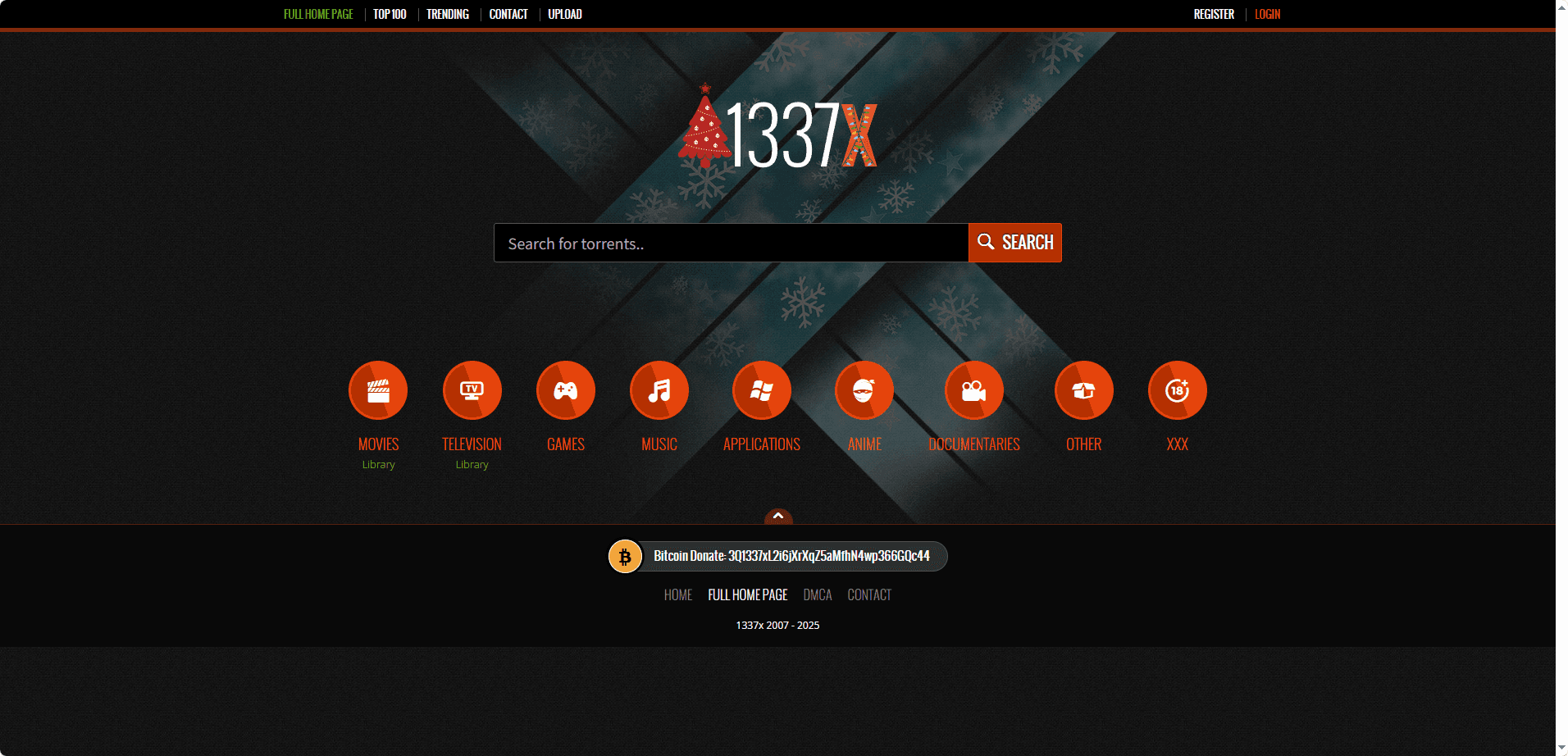
1337x has become one of the most popular Kickass Torrents alternatives 2026, especially for movies and TV shows. I like how clean and organized the site feels compared to older trackers.


The trending section is genuinely useful, and the category filters make it easy to browse Oscar winners, documentaries, anime, or TV series.

image.png

Pros:​

· Clean interface with minimal ads

· Well-organized categories

· Trending and Top 100 sections

· Reliable for mainstream content

Cons:​

· Smaller library than The Pirate Bay


3. YTS — Best for HD Movies​

Website:​

YTS is hands-down the best Kickass Torrents alternative site for movie lovers. It specializes in high-quality movie torrents with much smaller file sizes than other sites.


I tested several 1080p and 4K downloads, and the quality-to-size ratio is excellent, perfect if you have limited storage or slower internet.

image.png

Pros:​

· Movie-only focus (no clutter)

· 720p, 1080p, and 4K options

· Very small file sizes

· Beautiful, easy-to-use interface

Cons:​

· Movies only, no TV or software


4. EZTV — Best for TV Shows​

Website:​

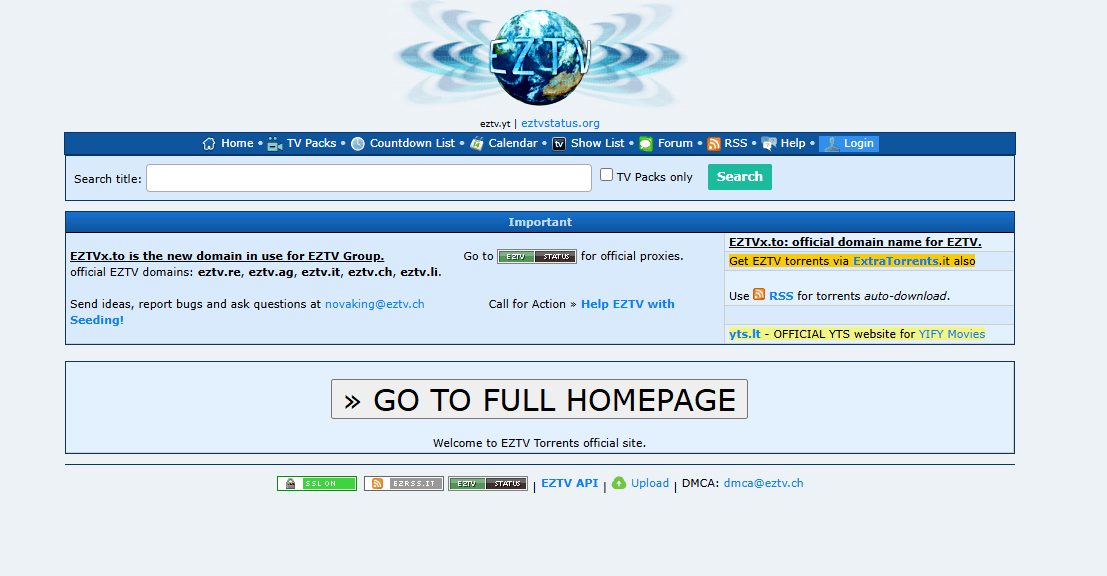
EZTV is ideal if you mainly download TV series. New episodes usually appear within hours of airing.


The interface looks outdated, but it loads fast and has fewer annoying ads than many other Kickass Torrents alternative sites.

image.png

Pros:​

· TV-focused library

· Fast episode uploads

· Simple layout with few pop-ups

Cons:​

· Outdated UI

· Not great for discovering new content


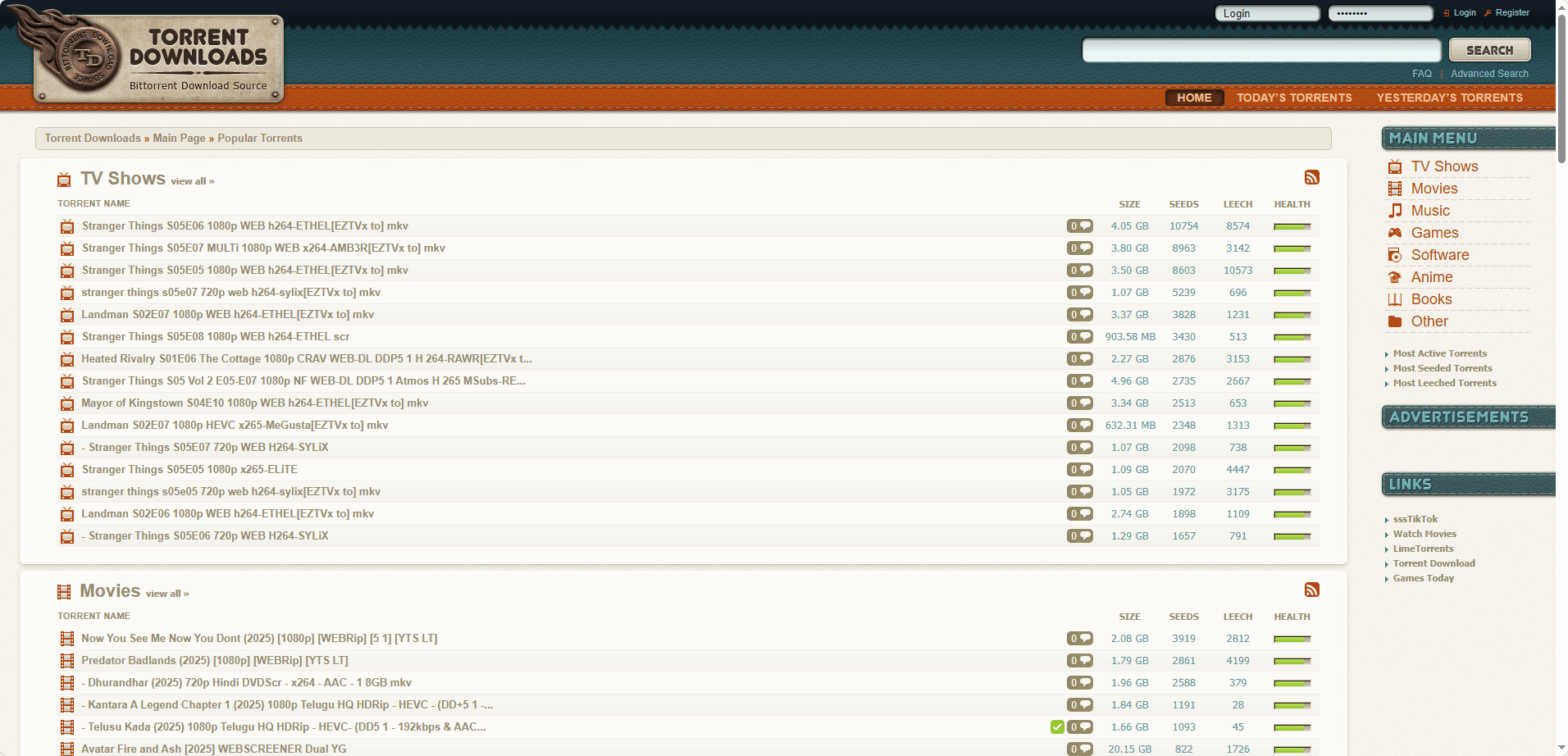
5. TorrentDownloads — Good for Rare Content​

Website:​

TorrentDownloads is surprisingly useful for finding obscure or older files: rare books, niche software, or less popular games.


It does show more ads than others, but most are limited to sidebars and don’t interrupt browsing.

image.png

Pros:​

· Large archive of rare content

· Good search and category system

· Trending section on homepage

Cons:​

· More ads than top competitors

· Some torrents have low seed counts


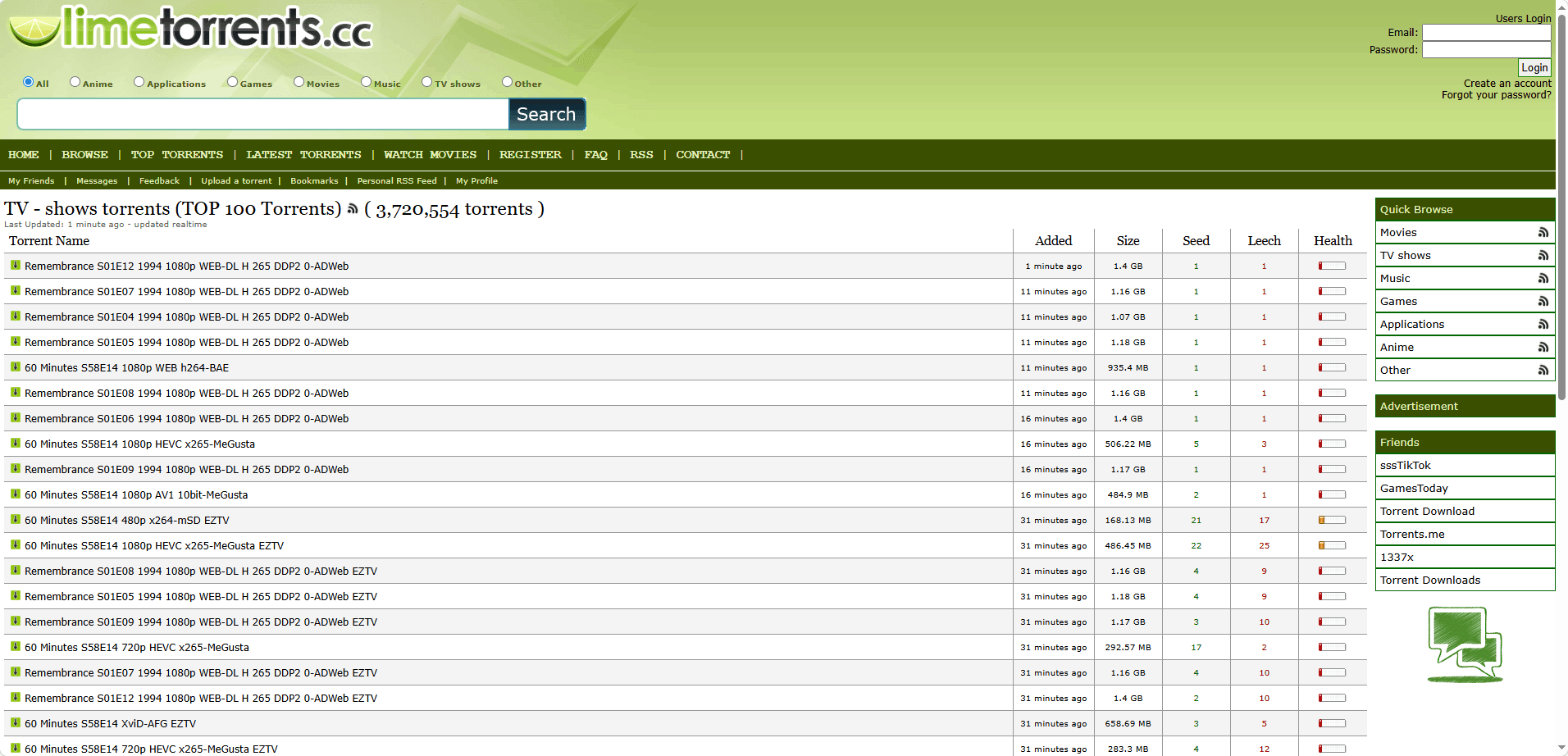
6. LimeTorrents — Good for New Releases​

Website:​

LimeTorrents is one of the most beginner-friendly Kickass Torrents alternatives. I particularly like the health bar next to each torrent, which gives a quick visual indicator of speed and reliability.

image.png

Pros:​

· Health bar for each torrent

· Clean and simple layout

· Good for new movie and game releases

Cons:​

· Occasional fake or dead torrents


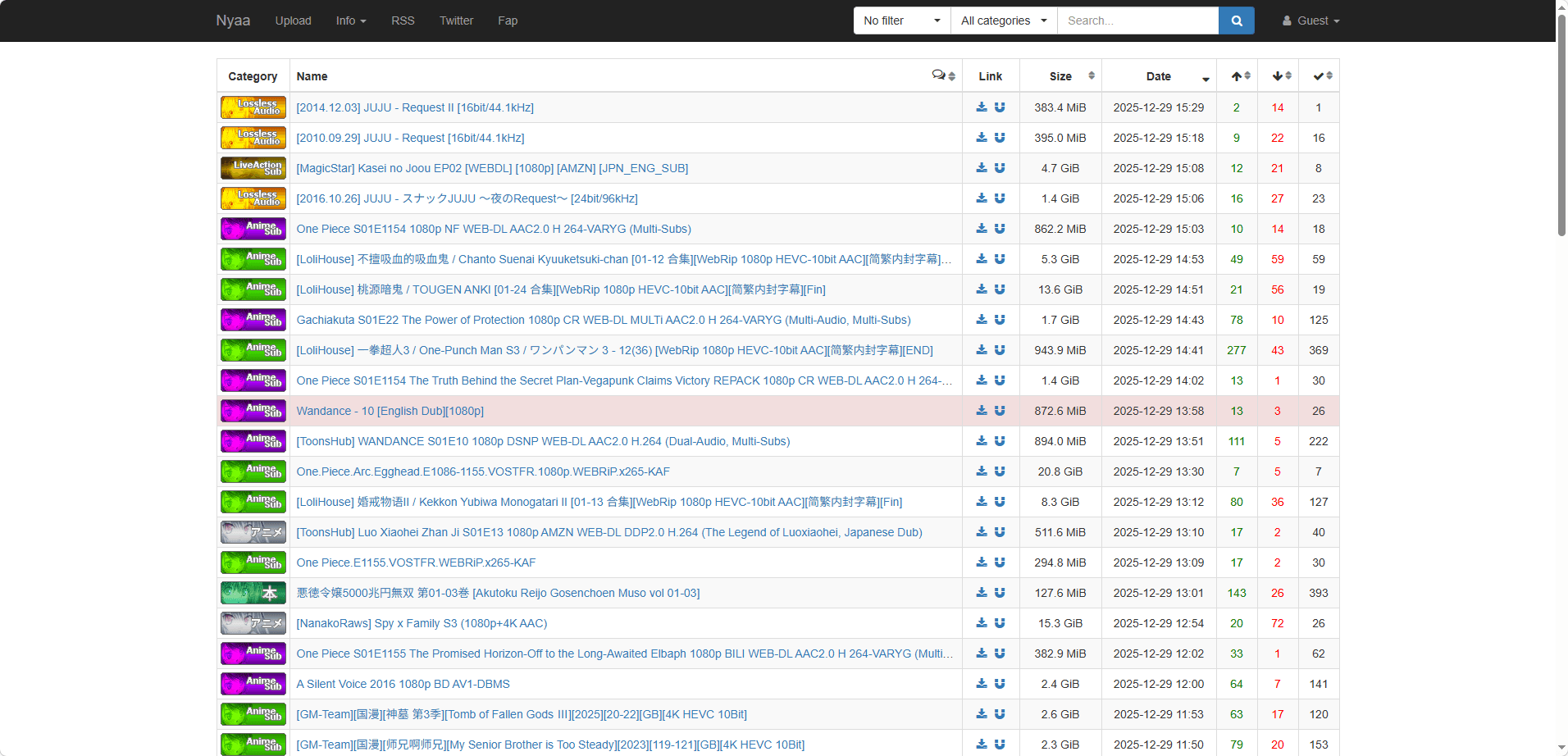
7. Nyaa — Best for Anime​

Website:​

Nyaa is unbeatable for anime. It has a massive library of anime series, movies, and manga with strong community support.

image.png

Pros:​

· Anime-focused content

· Language and subtitle filters

· Active seeders even for old releases

Cons:​

· Limited outside anime niche


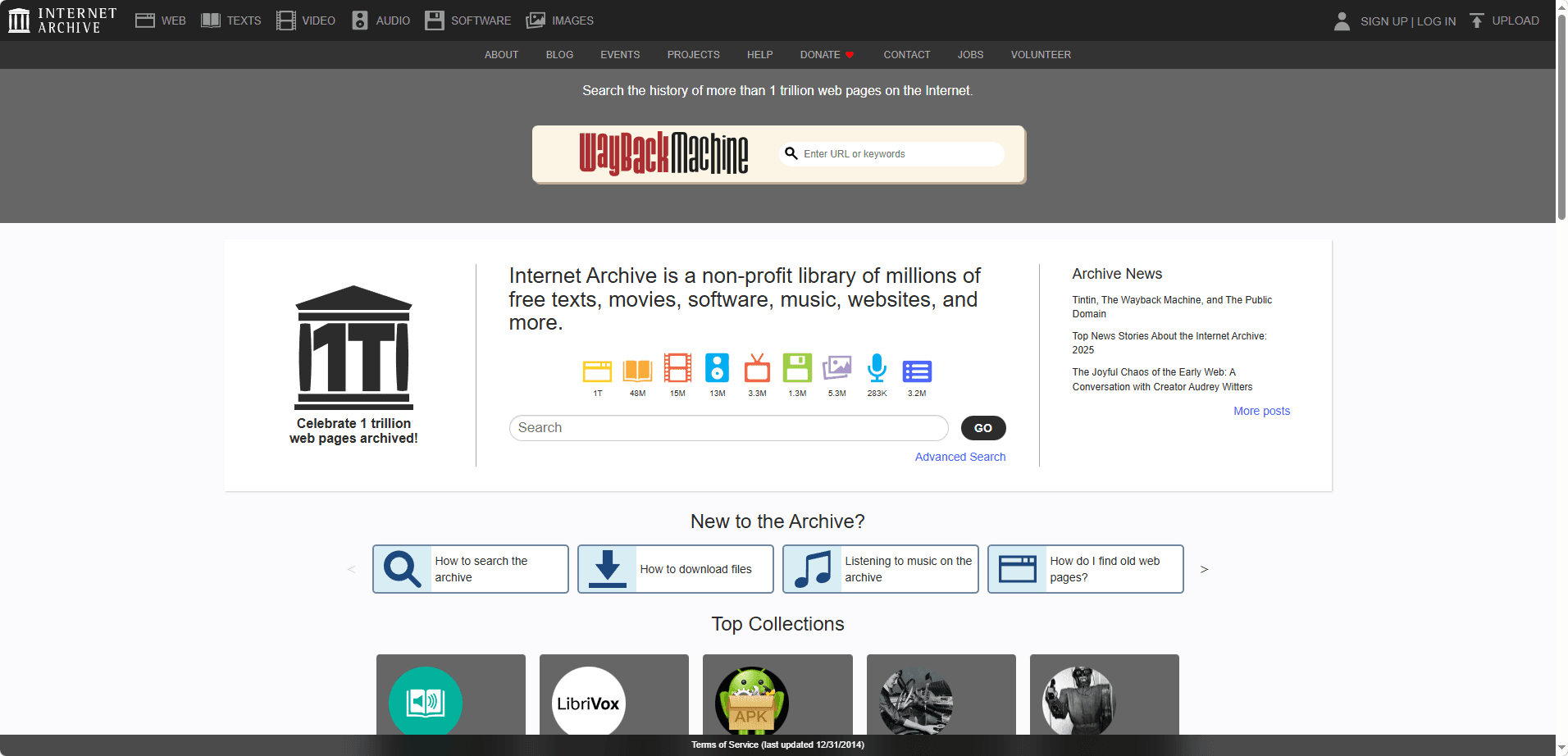
8. Internet Archive — Best Legal Option​

Website:​

If you want a completely legal torrenting experience, Internet Archive is the best option. It offers public-domain movies, books, music, and software.

image.png

Pros:​

· 100% legal torrents

· Massive library

· Well-organized categories

· No malware risk

Cons:​

· No copyrighted modern content


9. FitGirl Repacks — Best for Gamers​

Website:​

FitGirl Repacks is my top Kickass Torrents alternative site for PC games. The compression is incredible: large games download much faster, saving bandwidth and storage.

image.png

Pros:​

· Highly compressed game repacks

· Detailed installation guides

· Active gaming community

Cons:​

· Installation takes longer due to decompression


10. TorrentGalaxy — Visual & Curated Kickass Torrents Alternative​

Website:​

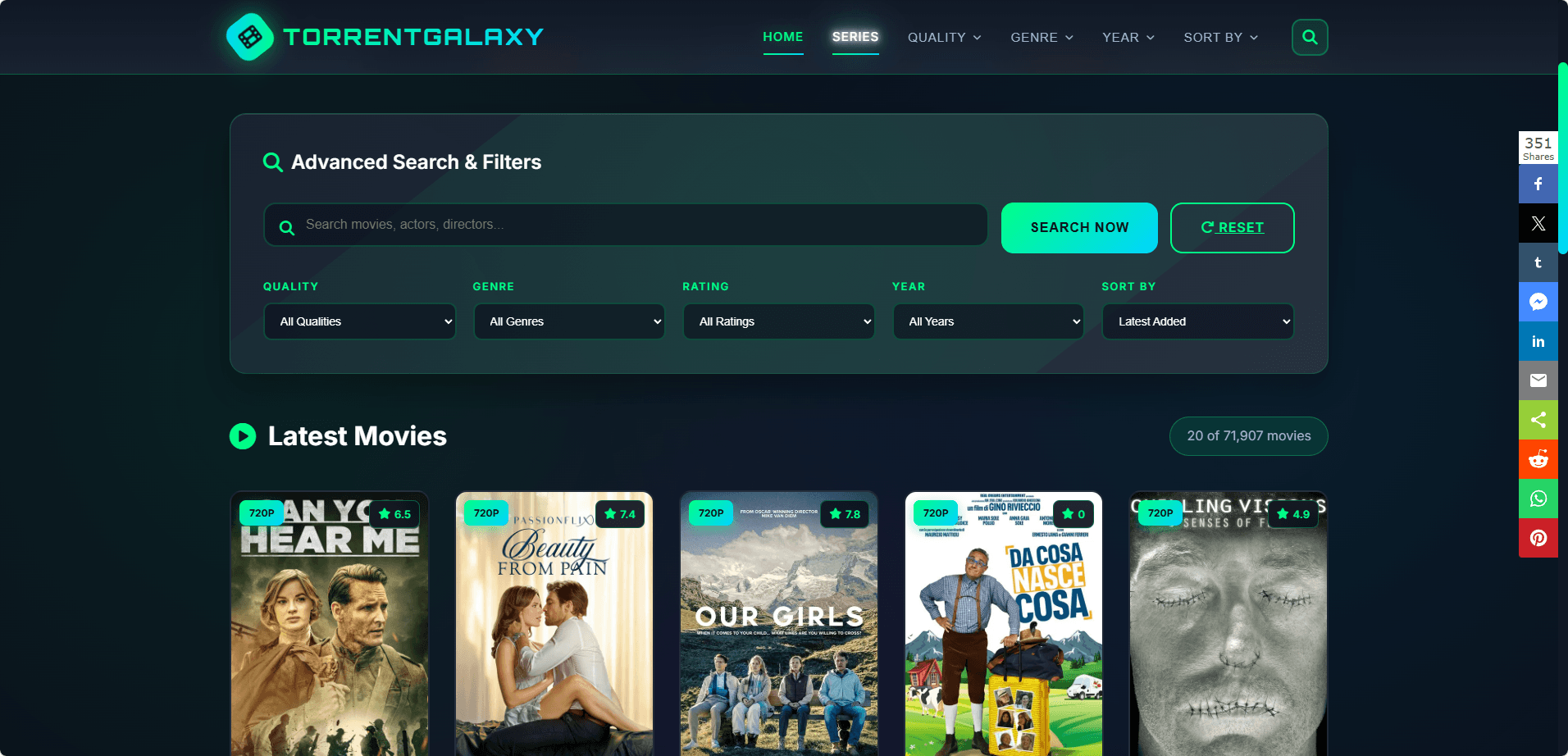
TorrentGalaxy has become one of my favorite Kickass Torrents alternatives in 2026, especially when I’m looking for movies and visually browsing new releases. Unlike older torrent sites that only show text links, TorrentGalaxy uses posters and preview images, which makes discovering new content much easier.

image.png

Pros:​

· Visual, modern interface with posters and previews

· Good curation of movies, TV, and popular releases

· Active and trusted uploader community

· One of the more user-friendly Kickass Torrents alternative sites

Cons:​

· Smaller library than The Pirate Bay or 1337x

· Some mirror sites can be unstable or slow depending on region


How to Access Torrent Sites More Securely​

Even when using well-known Kickass Torrents alternative sites, there are still basic risks, especially in regions where torrent platforms are blocked or monitored.


Most security issues come from fake mirror sites, aggressive ads, and tracking scripts rather than from the torrent files themselves. To reduce these risks, a few simple habits are usually enough:


Stick to trusted Kickass Torrents alternatives, check seed counts and user comments before downloading, and avoid clicking on misleading “download” buttons outside the main torrent or magnet links.


For privacy and isolation, separating torrent browsing from everyday online activity is highly recommended. While VPNs help encrypt traffic, an anti-detect browser like BitBrowser adds another layer by isolating browser fingerprints, cookies, and local storage across sessions. This makes it harder for trackers, ad networks, and blocked platforms to link torrent activity to personal or work accounts. Try BitBrowser's 10 permanent free personal profiles and enjoy nearly all core features.


Finally, keeping antivirus protection and an ad-blocker enabled helps prevent malicious redirects and unwanted software.


These simple steps are usually sufficient to browse and download torrents more safely and responsibly in 2026.


Legal Disclaimer​

Torrenting laws vary by country and region. Some content available on torrent platforms may be protected by copyright, and downloading or sharing such material may be illegal in certain jurisdictions.


This article is for informational purposes only and does not encourage or promote copyright infringement. Users are responsible for ensuring that their activities comply with local laws and regulations and should only download or share content they have the legal right to access.


Always check your local regulations before using torrent sites or downloading any files.


Conclusion​

Kickass Torrents may no longer be available in its original form, but there are still many stable, active, and trusted Kickass Torrents alternatives in 2026.


From large general-purpose torrent indexes like The Pirate Bay and 1337x, to niche-focused platforms such as YTS for movies, EZTV for TV shows, Nyaa for anime, and FitGirl Repacks for games, users can still find reliable options depending on their needs.


The key is choosing well-known alternative sites, avoiding suspicious mirrors, and using basic security and privacy tools when accessing torrent platforms, especially in regions where torrent sites are restricted or closely monitored.


With the right habits and tools, it is still possible to access torrent content safely, responsibly, and efficiently in 2026.


You might need: A Step-by-Step Guide to Safely Accessing Kickass Torrents in 2026.


Frequently Asked Questions (FAQ)​

1. Are Kickass Torrents alternatives legal to use?​

Torrent sites themselves are not illegal in most countries, but the legality depends on the content being downloaded or shared.

Some torrents contain copyrighted material, and downloading or distributing such content may violate local laws. Users should only download content they have the legal right to access and should always check local regulations before using torrent platforms.

2. Why is Kickass Torrents blocked in so many countries?​

Kickass Torrents was blocked primarily due to large-scale copyright enforcement actions and legal pressure from content owners.

As a result, many internet service providers now block access to torrent domains, including Kickass Torrents and its mirrors, which is why users often turn to Kickass Torrents alternative sites or proxy domains.

3. What is the safest way to use Kickass Torrents alternative sites in 2026?​

The safest approach is to use well-known, trusted torrent sites, avoid unofficial or suspicious mirrors, and pay attention to seed counts, user comments, and uploader reputations.

Using a VPN for traffic encryption and a privacy-focused browser setup, such as isolating torrent sessions with an anti-detect browser like BitBrowser, can further reduce tracking, fingerprinting, and exposure to malicious ads or fake sites.

 
Kickass Torrents (KAT) remains one of the most sought-after torrent indexing platforms in 2026, despite its official shutdown years ago. The site's enduring popularity has led to numerous mirror sites and proxies that continue to serve millions of users worldwide. Yet accessing these platforms has become increasingly challenging due to copyright laws, ISP restrictions, and regional censorship that block torrent sites across multiple countries.

Safety and privacy should be your top priorities when attempting to access Kickass Torrents in 2026. The landscape of torrent sites has become riddled with malware-infected mirrors, phishing scams, and fake clones designed to steal your data or infect your device. Without proper protection, you risk exposing your identity to legal consequences and compromising your system's security.


This article provides a comprehensive, up-to-date guide for accessing KAT safely in 2026, covering the latest proxy lists, essential tools like VPNs and anti-detect browsers, and crucial safety practices.


What Is Kickass Torrents?

Kickass Torrents (KAT) launched in 2008 as one of the internet's most comprehensive torrent indexing platforms. You need to understand that KAT never hosted actual files on its servers, it simply indexed torrent files and magnet links that pointed to content shared across a vast peer-to-peer (P2P) network. At its peak, KAT surpassed even The Pirate Bay in popularity, offering millions of torrents spanning movies, TV shows, music, software, and games.

The platform operated until 2016 when authorities shut it down following copyright enforcement actions and the arrest of its founder. Despite this closure, numerous mirror sites and proxies emerged to continue providing access to the KAT database and functionality.

image.png

Understanding Torrent Technology

When you download from Kickass Torrents, you're not downloading from a central server. Instead, you're using torrent files or magnet links that contain metadata about the content you want. Torrent files are small files you download first, while magnet links are clickable URLs that skip this step entirely.

The actual downloading happens through peer-to-peer (P2P) sharing. Your torrent client connects you to other users called seeders (those who have the complete file) and leechers (those currently downloading). You download small pieces of files from multiple seeders simultaneously, which explains why torrents can be faster than traditional downloads.


How Torrent Sites Like Kickass Torrents Work?

Understanding how torrent sites such as Kickass Torrents function helps you use them more safely, efficiently, and responsibly. Unlike traditional download websites, torrent platforms do not host files directly, they act as indexes for peer-to-peer file sharing.

1. Indexing Instead of Hosting

Kickass Torrents operates as an indexing platform rather than a file hosting service.

It organizes and displays metadata about files available on the BitTorrent network. When you search on Kickass Torrents, you’re not browsing files stored on its servers, you’re browsing torrent records and magnet links that point to files distributed across thousands of users’ computers worldwide.

2. Torrent Files vs. Magnet Links

There are two main ways to start a torrent download:

· Torrent files: Small files that contain metadata such as file names, sizes, and tracker information.
· Magnet links: URI links that contain the same information but do not require downloading a separate .torrent file.

Magnet links have become the preferred method because they are faster to use and leave fewer local traces on your device.

3. Peer-to-Peer (P2P) Architecture

BitTorrent uses a peer-to-peer model instead of centralized servers:

· Seeders are users who already have the complete file and share it with others.


· Leechers are users who are currently downloading the file while simultaneously sharing the parts they’ve already downloaded.


More seeders generally mean faster and more reliable downloads. For example, a torrent with 500 seeders will usually download much faster than one with only 5 seeders.

4. The Role of Torrent Clients

You cannot download content from Kickass Torrents without a torrent client installed on your device.

Torrent clients interpret torrent files or magnet links and manage the technical process behind downloading.


These clients manage your connections to other peers, assemble downloaded pieces into complete files, and allow you to control upload/download speeds.


Important Legal Disclaimer

This guide focuses only on explaining how Kickass Torrents works and how to access it safely from a technical perspective. You are responsible for ensuring that your downloads comply with the copyright laws of your country. Many legitimate uses for torrents exist, including:

· Downloading open-source software
· Accessing public-domain content
· Sharing files licensed under Creative Commons

However, downloading copyrighted material without permission is illegal in many jurisdictions. Always use torrent technology responsibly and within the law.


Latest Kickass Torrents Proxy List & Mirror Sites (Updated Dec. 2025)

Accessing KAT in 2026 relies on finding functional mirror and proxy sites. These sites often change domains to avoid blocks. The following table lists some of the most commonly referenced and historically reliable addresses. Always verify a site's safety before interacting with it.

The most commonly referenced and historically reliable addresses:

https://katcr.to
https://kickasstorrents.cc
https://kickasstorrent.cr
https://kickasstorrents.cr
https://kickasstorrents.to
https://thekat.info
https://kickass.cm
https://kickass.sx
https://thekat.info
https://thekat.cc
https://kickasstorrents.unblockninja.com

Note: The landscape becomes more dangerous with fake clones masquerading as legitimate Kickass Torrents mirrors. These malicious sites distribute ransomware, crypto-mining scripts, and phishing redirects disguised as popular downloads. You need to verify each mirror carefully before clicking any links or downloading content from unfamiliar domains.


Step-by-Step Guide: How to Safely Access Kickass Torrents

Merely finding a working proxy is not enough. Security is paramount. Follow this step-by-step process for a secure experience.

Step 1: Secure Your Connection with a VPN or Residential Proxy

Before you visit any torrent or proxy site, the first and most important step is to hide your real IP address. This prevents your Internet Service Provider (ISP), network administrators, and third parties from directly seeing or monitoring your activity, and helps reduce the risk of bandwidth throttling or warning notices related to P2P traffic.

Why this matters:

In many regions, ISPs actively monitor or limit peer-to-peer connections, and some may issue copyright warnings when torrent activity is detected. Using a VPN encrypts your traffic and routes it through a remote server, making your activity harder to inspect and your real location harder to trace. Residential proxies offer an alternative by routing traffic through IP addresses associated with real household connections, which can appear more natural and less likely to be flagged.

What to look for in a VPN or proxy:

Choose a reputable, paid provider that explicitly supports P2P traffic and follows a strict no-logs policy. A good service should offer:

· A kill switch that immediately blocks your internet connection if the VPN disconnects
· DNS and IP leak protection to prevent accidental exposure
· Strong encryption protocols such as OpenVPN or WireGuard
· High-speed servers located in torrent-friendly countries like Switzerland, the Netherlands, or Romania

How to use it correctly:

Always connect to your VPN or residential proxy before opening any browser or torrent client. After connecting, verify that your IP address has changed by using a leak-test or IP-check website. A properly configured connection not only masks your real location but also helps prevent ISP throttling when torrent-related traffic is detected.

Step 2: Select a Verified HTTPS Proxy Site from Trusted Lists

Access Kickass Torrents Safely by choosing only mirror sites that display the padlock icon in your browser's address bar. HTTPS encryption protects the data transmitted between your browser and the mirror site. You need to bookmark verified mirrors immediately after confirming they work, as these addresses change frequently.

Watch for warning signs of fake mirrors:

· Excessive pop-up advertisements that appear before you click anything
· Download buttons that seem deliberately confusing or misleading
· Requests to install browser extensions or plugins
· Layouts that look significantly different from the authentic KAT interface

Step 3: Safely Access the Kickass Torrents Proxy Site with an Anti-Detect Browser

Standard browsers can leave digital fingerprints that websites can use to track you. For enhanced privacy and to manage multiple online identities securely, an anti-detect browser is a powerful tool.

Why an Anti-Detect Browser is essential?

These browsers spoof your digital fingerprint, modifying parameters like your user agent, screen resolution, and installed fonts, making each browsing session appear to come from a unique, legitimate device.

Integration with BitBrowser:

For tasks like securely managing multiple accounts or browsing with an extra layer of anonymity, tools like BitBrowser are used by professionals. BitBrowser is a professional anti-detect browser built on a dual-engine architecture (Chromium and Firefox) that lets users create multiple fully isolated browser profiles, each with its own fingerprint, storage, and settings.
bitbrowser

It is particularly recognized in scenarios requiring batch environment isolation, such as managing multiple e-commerce stores or social media accounts. By assigning a unique, clean proxy IP to each profile, it helps prevent online activities from being linked together, which is a valuable security principle when accessing any site.


Create a separate browser profile exclusively for torrent activities. This will isolate your torrenting from your regular browsing, reducing the risk of tracking and potential exposure of personally identifiable information. It also allows you to fine-tune privacy settings specific to torrenting, such as disabling WebRTC, which can leak your real IP address.

bitbrowser

By following this step, you can navigate the complex world of torrenting more safely and protect yourself from potential threats. However, it's important to note that no method is foolproof, and caution should always be exercised when engaging in any online activity.

bitbrowser

Check out unlock guides for other popular websites here:

👉What is TamilMV? How to Access TamilMV in 2025? (Updated December 2025)

👉How to Get Unblocked ChatGPT for School in 2026: A Complete Guide


Try BitBrowser's 10 permanently free personal accounts and experience nearly all core features.


Step 4: Prepare a Reliable Torrent Client

To download and manage torrent or magnet links safely, you need a reliable and well-maintained torrent client. This software is responsible for handling file transfers, verifying data integrity, and managing your connections to the peer-to-peer network.

Popular torrent clients include:

· qBittorrent: Open-source, ad-free, with built-in encryption
· Transmission: Lightweight and simple interface
Recommendations: Use well-maintained, open-source clients like qBittorrent or Transmission. Avoid outdated or adware-packed clients. Ensure the client is updated to the latest version for security and compatibility.


Step 5: Navigate, Search, and Download Safely

Now you can visit a proxy site from the list above.

1. Use an Ad-Blocker and Script Protection

Proxy & mirror sites are often laden with intrusive and potentially malicious ads. A robust ad-blocker is non-negotiable to avoid fake download buttons and pop-ups.

2. Search Carefully and Verify the Source

Use the site's search function. Before downloading, always check the comments and seed/leech ratio. A high number of seeders and positive user comments are good indicators of a healthy, safe file.
Be cautious with files that are brand new but already extremely popular, as these are sometimes used as bait.

3. Choose Magnet Links When Available

When available, opt for magnet links over .torrent file downloads. They are often more convenient and reduce the risk of downloading a malicious file.

4. Check File Type and Content Before Opening

Avoid torrents that contain executable files (.exe, .bat, .cmd) or “cracks,” “patches,” and “keygens,” which are common carriers of malware. Legitimate torrents usually contain media files, documents, or archives, not programs that need to be installed.

5. Download in Your Client and Keep Protection Active

Open the magnet link or torrent in your client, choose a specific download folder, and start the transfer. Keep your VPN or proxy connection active throughout the entire process to prevent IP exposure.

6. Scan and Verify After Download

After the download finishes, scan the files with up-to-date security software before opening them. If a checksum or hash is provided by the source, verify it to ensure file integrity.

Note: Always make sure you have the legal right to access and download the content you choose.


Troubleshooting Common Issues When Accessing Kickass Torrents

1. Site Loading Failures

When you encounter blank pages or timeout errors while trying to access Kickass Torrents mirrors, your first step should be switching your VPN server location. ISPs often block specific IP ranges, so connecting to a different country server can bypass these restrictions immediately.

If the problem persists after changing servers, select an alternative mirror from your trusted proxy list.

2. Magnet Link Problems

Magnet links that won't open in your torrent client typically indicate outdated software or restrictive firewall settings. Update your torrent client to the latest version, cause developers regularly patch compatibility issues with newer magnet link protocols.

You should also check your device's firewall settings to ensure your torrent client has permission to receive incoming connections. Windows Defender and third-party security software sometimes block torrent applications by default, requiring manual exceptions.

3. Slow Download Speeds

Your VPN server selection directly impacts download performance. Connect to servers geographically closer to you or specifically optimized for P2P traffic, most quality VPN providers clearly label these servers. Timing matters too.

Downloading during off-peak hours (typically late night or early morning in your timezone) reduces network congestion and increases available bandwidth from seeders.

4. CAPTCHA Loop Issues

Getting stuck in endless CAPTCHA verification cycles indicates you're using an overcrowded VPN IP address that torrent sites flag as suspicious.

Switch to a less popular server location with fewer simultaneous users. Clear your browser cache and cookies before attempting access again, cause stored data from previous failed attempts can trigger repeated verification requests.


Using HTTPS mirrors instead of HTTP versions also reduces CAPTCHA frequency since encrypted connections appear more legitimate to site security systems.


Top Alternatives to Kickass Torrents in 2026

You don‘t have to rely solely on Kickass Torrents proxies. Several established and actively maintained torrent sites offer vast libraries, strong communities, and often better security practices than unverified mirrors.

Here is a comparison of the top alternatives available as of 2026:


Site NameKey AdvantagesConsiderations
The Pirate BayLargest and most resilient torrent archive.
Trusted uploaders marked with skull icons.
Heavy ads and fake buttons.
Domains change frequently.
1337xClean interface and strong moderation.
Reliable torrent quality.
Main domain often blocked. Mirrors may be needed.
YTSHigh-quality HD movies with small file sizes.
Ideal for limited bandwidth.
Focused on movies, with a single resource type.
Audio quality may be compressed.
TorrentGalaxyGrowing library for movies and TV.
IMDb info included.
Newer site with limited niche depth.
NyaaBest source for anime and East Asian content.
Fast releases.
Niche-focused.
Basic interface.
Critical Reminder: The operational status and domain names of these sites can change. Always verify the latest official URL through trusted communities or forums before visiting, and ensure your VPN connection is active to protect your privacy and security.

Discover more Kickass Torrents alternative torrent sites here: Best 10 Kickass Torrents Alternatives in 2026


Legal & Security Notice (Must-Read)

Please note that the legality of downloading and sharing content in your region depends on whether such content is protected by copyright. We recommend that you familiarize yourself with and comply with the relevant local laws and regulations.

Security Warnings

· Use comprehensive antivirus and anti-malware software.
· Obtain proxy or mirror links only from trusted sources. Never submit personal data on these sites.
· Be aware that your browser creates a unique fingerprint that can be tracked. Consider privacy-focused tools to manage this.
· Avoid torrenting on public Wi-Fi without a VPN.
Combining a secure VPN, an anti-detect browser like BitBrowser to manage your digital fingerprint, and other cautious practices can significantly enhance your privacy. No method provides complete anonymity. Always prioritize accessing legal, non-copyrighted content.


Conclusion

Accessing Kickass Torrents safely in 2026 is about reducing risk, not chasing links. Verified mirrors, a secure network connection, a clean torrent client, and isolated browsing together help minimize exposure to malware, tracking, and unwanted data leakage. For users who want better isolation, BitBrowser makes it easy to separate privacy-sensitive browsing from personal accounts through fingerprint-isolated browser profiles.

Frequently Asked Questions (FAQ)

1. Is Kickass Torrents legal to use in 2026?

Kickass Torrents itself is a directory that indexes torrent metadata, but the legality depends on what you download and where you are located. Many torrents contain copyrighted material, and downloading or sharing such content may violate local laws. Always check your regional regulations and only download content you have the legal right to access.

2. Why is Kickass Torrents blocked in many countries?

Kickass Torrents is often blocked by ISPs due to copyright enforcement requests from rights holders. In some regions, courts require providers to block access to known torrent sites or their mirror domains. This is why users rely on updated mirror lists, DNS changes, or alternative access methods to reach the site.

3. Is using a VPN or proxy enough to stay safe on torrent sites?

A VPN or proxy helps hide your IP address, but it does not protect you from everything. You still need to avoid fake mirrors, verify torrents, use a clean torrent client, and limit tracking through browser isolation. Safety comes from combining multiple layers, not relying on a single tool.
 
Multiple launch, security and efficient!

BitBrowser(Official website: https://www.bitbrowser.net) is a multi-account anti-association fingerprint browser developed by HongKong Bit-Internet Technology Limited!

Deeply developed based on the global mainstream Chrome and Firefox open-source kernels, creating a completely independent browser environment for each account/store, matching completely independent device information and completely pure new account segment IPs, eliminating account/store associations, and ensuring account/store security.

Each team member can assigne an independent account.
 
Can't access TamilMV? You're not alone. The popular website for Tamil, Indian, and regional film content is frequently inaccessible for users worldwide due to a combination of legal restrictions and technical blocks. This guide explains why TamilMV gets blocked and provides five safe, effective methods to unblock it in 2025, from VPNs to anti-detect browsers.

What is TamilMV and Why is it Popular?

TamilMV is a widely recognized online portal known for offering a vast library of movies and TV shows, particularly those in Tamil, Telugu, Hindi, and other South Asian languages. It fills a significant gap for audiences seeking content that may not be readily available on mainstream streaming platforms in their region due to licensing restrictions.

For detailed instructions on accessing this website's content in 2025, please visit this resource: What is TamilMV? How to Access TamilMV in 2025?


For many, it is the primary source for latest regional releases, classic cinema, and niche content. However, attempting to visit the site often results in frustration, with browsers displaying errors like "This site can't be reached" or "Access Denied." This guide will navigate the reasons behind these blocks and provide clear solutions.


Why is TamilMV Blocked?

Access issues with TamilMV are not random but the result of specific enforcement actions and technical barriers. Understanding these root causes is the first step to bypassing them.

1. Regional Copyright & Licensing Laws

This is the fundamental reason. Film distributors hold exclusive rights to content in specific geographic territories. To protect these rights and their revenue from licensed streaming services, they actively seek to block websites like TamilMV that distribute content without authorization. This leads to geo-blocking, where access is restricted based on the user's location.
geo-blocking

Geo-blocking

2. Technical Blocking Methods

· ISP (Internet Service Provider) Blocking: Governments or copyright holders can obtain court orders that compel local ISPs to block access to TamilMV's domain at the network level. This is a common and direct form of censorship.

· IP Geolocation Tracking: The TamilMV website itself, or its hosting infrastructure, can analyze your connection's IP address to determine your country. If you are in a restricted region, the server will simply refuse to serve you the website content.


· Advanced Detection Systems: To combat circumvention, sophisticated platforms employ systems that detect and blacklist IP addresses known to belong to commercial VPNs and proxy servers. They may also analyze browser fingerprints (unique configurations of your browser's settings) to identify and block automated or suspicious access patterns.

3. Operational Instability

Due to constant legal pressure, the main TamilMV domain is often seized or forced to change. This results in a game of "whack-a-mole" with old URLs becoming inactive and new mirror sites popping up frequently.

How to Unblock TamilMV: 4 Working Methods

Fortunately, several methods can circumvent these blocks. Each has its strengths and considerations.

1. Using a Premium VPN (Virtual Private Network)

This is the most effective and reliable method for the average user. A VPN encrypts your internet traffic and routes it through a server in a country of your choice (e.g., Singapore, India, or a European nation). This masks your real IP address and makes it appear as if you are browsing from an unrestricted location.

For streaming content, it is crucial to choose a VPN known for strong speeds, robust security, and a history of bypassing geo-restrictions. Avoid free VPNs, as they often have data caps, slow speeds, and may compromise your privacy by logging and selling your data.

Using a Premium VPN

Using a Premium VPN

2. Changing Your DNS Server

Sometimes, the block is implemented at the DNS level by your ISP. DNS translates domain names (like tamilmv.com) into IP addresses. By switching from your ISP's default DNS to a public, privacy-focused DNS service like Google DNS (8.8.8.8, 8.8.4.4) or Cloudflare DNS (1.1.1.1), you can bypass this simple form of blocking. It's a quick, free fix you can do in your network settings. However, this method will not work against more sophisticated IP-based or server-side blocks.

3. Finding Active TamilMV Mirror or Proxy Sites

When the main domain is down, the community often relies on mirror sites (exact copies) or proxy portals (which fetch the site for you). These can be found on community forums like Reddit (e.g., subreddits dedicated to movie or regional cinema).

Exercise extreme caution: these sites are often ad-heavy and may host malicious pop-ups or phishing attempts. Always ensure your antivirus is active and never download suspicious files from these portals. Their lifespan is also very short.

Proxy Sites

This is the latest list of available Tamilmv proxy sites:

Proxy Sites for TamilMV (Updated Dec. 2025)
https://www.1tamilmv.red
Note: The domain names listed may change frequently, and access may be restricted. Please be mindful of cybersecurity and comply with local laws and regulations.

4. Exploring Legal Alternatives for Watching Tamil Movies

The most sustainable long-term solution is to reduce dependency on a single, unstable source. Research other legitimate streaming platforms, regional services, or community-driven forums that may offer the content you seek through different means. This requires time and adaptation but offers greater stability.

Legal Tamil Streaming Platforms: You should know that many legal Tamil movie platforms offer large, high-quality libraries without the risks of piracy sites. Premium services such as Einthusan, Disney+ Hotstar, Amazon Prime Video, Netflix, Zee5, and Sony LIV provide extensive Tamil catalogs, frequent new releases, and affordable subscription options.

Einthusan

Free and Safe Alternatives: For free legal access, official YouTube channels from studios including Sun TV, Raj TV, and Udaya Movies upload properly licensed full-length movies. These TamilMV alternatives offer safer streaming, better quality, and genuine support for creators, making them far more reliable and cost-effective than risky proxy or VPN-based piracy sites.


image.png

image.png

image.png

The Advanced Solution: Why Use an Antidetect Browser?

For users who face persistent blocking even with VPNs, or who need to manage multiple accounts, standard methods may fail. This is often due to browser fingerprinting.

1. The Limitation of Basic Tools

Websites can create a unique "fingerprint" of your browser based on dozens of parameters: your installed fonts, screen resolution, browser version, active plugins, and more. Advanced sites can use this fingerprint to detect and link your activity, identifying you as a user who is employing a known VPN IP.
image.png

2. How Antidetect Browsers Work

Tools like BitBrowser is specifically designed to combat this. They allow you to create multiple, isolated browser profiles where you can spoof or carefully customize every aspect of the browser fingerprint. Each profile appears to the website as a completely unique, real computer from a different location, even if you are using the same underlying VPN IP. This makes detection nearly impossible.
bitbrowser
For maximum effectiveness and access, pairing an anti-detect browser with a reliable residential proxy is often the best practice. The anti-detect browser handles the digital fingerprint, making your browser look unique and legitimate, while a quality residential proxy provides a clean, stable IP address from your desired location. This layered approach significantly strengthens your anonymity and success rate.

In practice, for sites that are frequently blocked (such as TamilMV), this combination is key. You would route one of your customized browser profiles through a dedicated proxy to establish a secure and untraceable connection. For insights on finding quality proxy services suited for this very purpose, especially for accessing entertainment sites, you can refer to this resource: The Best TamilMV Proxy Alternatives in 2025. This makes advanced detection and blocking nearly impossible.

bitbrowser

3. Primary Use Case

This is a specialized tool ideal for power users, researchers, or digital marketers who require a high degree of anonymity and profile separation. It is more complex to set up than a simple VPN but offers unparalleled success rates against the most advanced blocking systems.
bitbrowser

Guide to Safe and Informed Access

1. Finding Reliable Information

Your safest bet for finding working links is through community consensus. Look for active threads on platforms like Reddit where users upvote and verify the latest working mirrors. Tech-savvy forums and dedicated trackers also share information. Always check the date of the last post to ensure the information is current.

2. Legal & Safety Disclaimer

· Respect Copyright: This article is intended for educational purposes only, explaining how internet restrictions work. We encourage readers to always respect copyright laws and support content creators by using official streaming services where available.

· Security First: When accessing any site, prioritize your cybersecurity. Use a reputable antivirus, an ad-blocker (like uBlock Origin), and never enter personal information or passwords on unverified proxy sites.


· Understand the Risks: Downloading or streaming copyrighted content without permission may be illegal in your jurisdiction and can carry risks, including malware exposure or legal notices from your ISP.


Conclusion & Final Recommendations

To access platforms like TamilMV safely and reliably, you need to choose the appropriate tools based on your specific circumstances.

For users who face persistent blocking or need to manage multiple accounts, advanced tools are necessary to combat browser fingerprinting. For this, we recommend using an anti-detection browser like BitBrowser. It allows you to create multiple, isolated browser profiles with unique digital fingerprints, making each session appear to originate from a different, legitimate device. This effectively bypasses detection systems that flag VPNs or proxy traffic. For optimal results, you can run BitBrowser in conjunction with a reliable residential proxy or VPN service.


Finally, never compromise on security. The digital landscape around such sites is fraught with risks. The tools that protect your access, like VPNs and secure browsers, also exist to protect your privacy and data. Choose them wisely, use them responsibly, and always consider supporting official distribution channels when possible.


FAQ (Frequently Asked Questions)

1. Why does TamilMV sometimes still not work even when I'm using a VPN?

This is because the website employs more advanced blocking techniques. In addition to your IP address, it can detect your "browser fingerprint" (details like your fonts, screen resolution, plugins, etc.). If this fingerprint is recognized as being linked to a known VPN server, your access will be blocked even with a different IP. To solve this, you need to combine a VPN with a tool that can modify your browser fingerprint, such as an Anti-detect Browser.

2. Is it safe to access sites like TamilMV? What are the risks?

There are inherent risks. The main ones are: 1) Legal Risk: Accessing pirated content may be illegal in your jurisdiction; 2) Security Risk: Such sites are often filled with malicious ads, pop-ups, and can lead to phishing attacks or malware infections.

3. Are there completely legal and free alternatives?

Yes. Many official streaming platforms offer extensive legal Tamil and regional content. For example, Disney+ Hotstar, Amazon Prime Video, and Netflix have rich regional libraries in areas like India. Furthermore, official channels on YouTube (such as Sun TV) frequently upload full-length, licensed movies. While free options may not have as vast a catalog as paid services or TamilMV, they are safer, legal, and better ways to support creators.
 

Introduction

ChatGPT has quickly become the go-to AI assistant for millions of users worldwide, reshaping how we write, research, and solve everyday problems. But what if you suddenly can’t access it? Whether the issue comes from geographic restrictions, workplace firewalls, school networks, or account limitations, losing access to ChatGPT can feel like hitting a wall right when you need help the most.

I’ve run into this problem myself, so I understand how frustrating it can be, and more importantly, I know you’re looking for solutions that actually work.


In this guide, ChatGPT unblocked is the main focus. You’ll learn:


· The real reasons why ChatGPT gets blocked
· Practical and proven methods to bypass restrictions safely
· Reliable ChatGPT alternatives that offer similar or even better performance
· Long-term, stable access solutions using antidetect browsers

You don’t need advanced technical skills to follow these methods. Let’s get you back to productive, AI-powered work—no matter what’s blocking your access.


Why ChatGPT Gets Blocked?

Understanding the reasons behind ChatGPT blocked scenarios helps you navigate these obstacles more effectively. The restrictions you encounter typically fall into three main categories, each with distinct characteristics and implications.

1. Geographic Restrictions and Regional Regulations

You might find ChatGPT inaccessible simply based on your location. Countries like China, Russia, Iran, and North Korea have implemented nationwide bans on the service. These ChatGPT access restrictions stem from data sovereignty concerns, content control policies, or national security considerations. Even in regions where ChatGPT isn't officially banned, regulatory compliance requirements may prevent OpenAI from offering services in certain jurisdictions.
image.png

2. Network Firewalls and Institutional Blocks

Your workplace, school, or university likely maintains strict network policies. IT administrators deploy firewalls that specifically target AI chatbot platforms to prevent bandwidth consumption, maintain productivity standards, or protect sensitive information from being shared with external AI systems.
These institutional blocks represent some of the most common ChatGPT not working scenarios you'll encounter in professional or educational environments. For instance, unblocking ChatGPT at such institutions may require specific permissions or adjustments to network settings.


You can access this resource for a complete guide on unlocking ChatGPT at school.

image.png

3. Account Suspension and Usage Limitations

OpenAI enforces its own set of restrictions through account-level controls. You may face temporary or permanent suspensions for violating terms of service, exceeding rate limits (which could be related to service limits), or engaging in prohibited activities.

Payment issues, suspicious activity patterns, or multiple failed login attempts can also trigger account restrictions that prevent you from accessing the platform. In such cases, using an anti-detect browser can help maintain cleaner session isolation and more consistent browser fingerprints, reducing the risk of false positives caused by unstable or conflicting login environments.

image.png

How Does ChatGPT Get Blocked?

Understanding the chatgpt blocked methods helps you identify what you're up against when access is denied. Organizations and governments deploy sophisticated chatgpt restriction mechanisms that work at different network layers.

1. IP Blacklisting

IP Blacklisting represents the most straightforward blocking technique. Network administrators maintain lists of OpenAI's server IP addresses and configure firewalls to reject any connection attempts to these addresses. When you try accessing ChatGPT, your request never reaches OpenAI's servers, it gets dropped at the network perimeter.

2. DNS Filtering

DNS Filtering operates at a different level. Instead of blocking the IP address directly, this method prevents your device from resolving "chatgpt.com" to its actual IP address. Your browser receives an error message or gets redirected to a block page because the DNS query returns no valid result or points to a dummy address.

3. Deep Packet Inspection (DPI)

Deep Packet Inspection (DPI) represents a more advanced method for controlling network access. ISPs and institutional networks deploy DPI to examine traffic patterns and metadata in real time, rather than relying solely on IP addresses or ports. This technology can identify ChatGPT traffic by analyzing characteristics such as:

· TLS/SSL handshake fingerprints and server certificate information
· Domain names (via SNI) and connection initiation patterns
· Traffic volume, timing, and behavior typical of AI chatbot interactions
Even when using non-standard ports or simple obfuscation methods, DPI can recognize the traffic signature and block or limit access. Understanding this helps explain why chatgpt unblocked access may fail on some networks, and why more advanced solutions, such as anti-detect browsers or secure VPNs, may be needed for reliable use.


Effective Methods to Access ChatGPT When It's Blocked

When you need to access ChatGPT but it's blocked, there are several technical solutions you can try. Each method has its own strengths and weaknesses in terms of security, speed, and reliability based on your specific situation.

MethodDifficultyStabilityBest For
Change DNSLowLowLight restrictions
Web ProxiesLowLowTemporary access
VPN ServicesMediumMediumPrivacy & bypass
TorMediumLowAnonymity-focused users
Browser ExtensionsLowLowQuick setup
Mobile HotspotLowMediumSchool networks
Cloud DevicesMediumHighIsolated environments
Anti-Detect Browsers (like BitBrowser)MediumHighLong-term, controlled access

The effectiveness of each method depends on the type of blocking in place. VPNs are usually reliable solution for unblocking ChatGPT across different types of restrictions. However, if traditional methods fail, you can also use antidetect browser technology which offers advanced fingerprint masking to prevent detection.


You can access this resource for detailed step-by-step guides on these eight methods: How to Get Unblocked ChatGPT for School in 2026: A Complete Guide


Best Alternatives to ChatGPT When It's Still Blocked

When you can't access ChatGPT, you need reliable chatgpt alternatives that deliver similar capabilities. I've tested these ai tools like chatgpt extensively, and each brings unique strengths to the table. Here's what you need to know about the top options.

1. Google Gemini

image.png

Google Gemini integrates seamlessly with your existing Google ecosystem, making it a natural choice if you already use Gmail, Docs, or Sheets regularly.

Key Features:

· Real-time Google Search integration for current information
· Multimodal capabilities handling text, images, voice, and even video
· Direct integration with Google Workspace apps
· YouTube video analysis and summarization
image.png

Pros:

· Access to up-to-date information through live search
· Works directly within familiar Google applications
· Handles multiple content types in a single conversation
· Free tier offers generous usage limits and surprisingly powerful features

Cons:

· Privacy concerns due to Google's data collection practices
· Responses sometimes prioritize Google sources
· Limited customization options
· Its upgrade plan is not available in certain countries or regions.
image.png

Best Use Cases:

Gemini works best when you need current information, want to analyze visual content, or need an AI assistant that works within your Google Workspace workflow.

2. Claude by Anthropic

image.png

Claude stands out with its natural, human-like writing style and strong ethical guardrails. You'll notice the difference immediately in how it handles nuanced conversations and complex reasoning tasks.

Key Features:

· Extended Context Window: Supports a context window of up to 1 million tokens, allowing it to process entire codebases or lengthy documents like The Lord of the Rings trilogy in a single request.
· Document and Data Processing: Can summarize, analyze, and extract information from large text files.
· Code Generation: Supports multiple programming languages for coding, debugging, and explanation tasks.
· Safety Measures: Includes built-in guardrails to reduce harmful or unsafe outputs.

Pros:

· Produces thoughtful, well-structured, and accurate responses, with a strong adherence to provided facts.
· Excels at understanding context and maintaining conversation flow over very long interactions.
· Handles professional tasks excellently, now including complex, multi-step projects like application development from start to finish.
· Transparent about limitations and can be more cautious in its reasoning style compared to other models.

Cons:

· The free tier has daily usage limits, while a Pro subscription is available for approximately $20 per month.
· Its strong safety design can sometimes make it overly cautious or restrictive on certain topics.
· Response times can vary, though features like "Context Editing" are designed to optimize performance in long tasks.

Best Use Cases:

You'll find Claude ideal for professional writing, research assistance, code debugging, and any task requiring careful reasoning and ethical considerations.

3. Microsoft Copilot

image.png

Microsoft Copilot is an AI-powered assistant integrated into Microsoft 365, Azure, and Dynamics 365, designed to boost productivity, automate tasks, and provide intelligent insights across business workflows.

Key Features:

· Natural Language AI: Executes tasks and generates content based on plain English prompts.
· Microsoft 365 Integration: Works seamlessly with Word, Excel, PowerPoint, Outlook, and Teams.
· Task Automation & Data Analysis: Summarizes data, generates reports, and provides actionable insights.
· Copilot Studio & Custom AI Agents: Enables tailored automation and intelligent workflows.
· Predictive Insights: Offers trend analysis, recommendations, and decision support.

Pros:

· Enhances productivity and reduces repetitive work.
· Maintains context across long documents and workflows.
· Multi-modal support: text, voice, and limited visual inputs.
· Enterprise-grade security and compliance integration.
· Continuously updated with new features and improvements.

Cons:

· May require a learning curve for complex setups.
· While a basic version is available, the most powerful capabilities for businesses require a Microsoft 365 Copilot subscription (commercial plans start around $21 per user/month).
· Data privacy concerns in sensitive environments.
· Response times can vary depending on task complexity and system load.

Best Use Cases

Microsoft Copilot is best suited for boosting office productivity, delivering business insights, improving team collaboration, automating IT and enterprise workflows, and supporting education and training through AI-powered content generation and analysis.

4. DeepSeek

image.png

DeepSeek is an AI model family focused on strong reasoning, mathematics, and code generation, offering high performance at a relatively low cost. It is widely used for technical tasks, research, and developer-oriented workflows.

Key Features

· Advanced Reasoning Capabilities: Strong performance in logical reasoning, mathematics, and problem-solving tasks.
· Code Generation & Debugging: Supports multiple programming languages with a focus on accuracy and efficiency.
· Large Context Handling: Capable of processing long prompts and complex instructions.
· Open and Cost-Efficient Models: Many DeepSeek models are open-source or low-cost compared to mainstream alternatives.
· Research-Oriented Design: Optimized for academic, engineering, and analytical use cases.

Pros

· Excellent performance in math, logic, and technical reasoning.
· Cost-effective compared to many commercial AI models.
· Strong coding assistance for development and debugging tasks.
· Suitable for research, experimentation, and custom deployments.
· Transparent model availability and growing open-source ecosystem.

Cons

· Weaker performance in creative writing and conversational tone.
· Limited native integrations with productivity tools.
· Smaller ecosystem compared to ChatGPT or Microsoft Copilot.
· Safety and content moderation may be less conservative.
· Less optimized for non-technical or casual users.

Best Use Cases

DeepSeek is ideal for advanced reasoning, mathematical analysis, code generation and debugging, academic research, technical problem-solving, and cost-sensitive AI deployments requiring strong analytical performance.

5. Perplexity

image.png

Perplexity AI is an AI-powered answer engine focused on real-time information retrieval and source-backed responses, making it especially useful for research, fact-checking, and up-to-date content discovery.

Key Features:

· Real-Time Web Search: Retrieves and analyzes current information from the internet.
· Source Citations: Provides references and links to improve transparency and credibility.
· Natural Language Q&A: Delivers concise, direct answers to user queries.
· Follow-Up Query Support: Allows iterative questioning for deeper exploration.
· Multi-Model Access (Pro): Supports different AI models for varied reasoning needs.

Pros:

· Excellent for up-to-date research and current events.
· Clear source attribution enhances trust and SEO value.
· Fast, concise answers optimized for information retrieval.
· Easy to use with minimal learning curve.
· Strong performance in factual and exploratory queries.

Cons:

· Less suitable for long-form creative writing.
· Limited productivity tool integrations.
· Advanced features require a paid plan.
· Reasoning depth may be weaker than reasoning-focused models.
· Not ideal for complex workflow automation.

Best Use Cases:

Perplexity AI is ideal for real-time research, fact-checking, content ideation with sources, SEO research, market analysis, and any task that requires accurate, up-to-date, and verifiable information.

6. Grok

image.png

Grok is an AI assistant developed by xAI and deeply integrated with the X (formerly Twitter) platform, designed to provide real-time insights, trend analysis, and conversational responses with a more informal and opinionated tone.

Key Features:

· Real-Time X Data Access: Analyzes live public posts and trends on X for up-to-date insights.
· Conversational & Opinionated Style: Delivers responses with a more direct, informal tone compared to traditional assistants.
· Natural Language Understanding: Handles questions, summaries, and explanations across various topics.
· Trend & Sentiment Analysis: Identifies emerging topics and public sentiment from social data.
· Integrated X Experience: Works natively within the X ecosystem.

Pros:

· Strong real-time awareness of social trends and breaking topics.
· Fast responses to current events and online discussions.
· Engaging, less formal conversational style.
· Useful for social media analysis and content ideation.
· Seamless integration for X users.

Cons:

· Limited usefulness outside the X platform.
· Less suited for structured professional writing.
· Reasoning depth and technical accuracy may vary.
· Fewer productivity and enterprise integrations.
· Access may require a paid X subscription.

Best Use Cases:

Grok is best suited for real-time trend monitoring, social media analysis, breaking news exploration, content ideation based on public sentiment, and interactive conversations within the X ecosystem.

Why Antidetect Browsers are a Long-Term Solution?

When ChatGPT is blocked, VPNs and basic proxies may offer short-term access, but they often fail against modern detection systems. For users seeking stable, long-term chatgpt unblocked access, antidetect browsers provide a more reliable solution.

Unlike traditional tools that only mask IP addresses, antidetect browsers operate at the application layer. They create isolated browser environments with unique fingerprints, making each session appear as a separate, real device. This reduces the risk of detection caused by fingerprint mismatches, shared IPs, or repeated access patterns.


Professional antidetect browsers such as BitBrowser combine fingerprint isolation, dedicated proxy integration, and profile management in one platform. Each browser profile can be bound to a clean, independent IP, effectively preventing account linkage and systemic bans.


How Antidetect Browsers Boost AI Platform Performance

Antidetect browsers, like BitBrowser, are more than just a tool to get chatgpt unblocked, they significantly improve efficiency, stability, and control when using AI platforms. Traditional methods like VPNs or proxies may temporarily bypass restrictions, but they often fail to maintain session stability or prevent account conflicts. Antidetect browsers address these challenges systematically.

Key Performance Advantages:

· Stable and Isolated Sessions: Each browser profile functions as an independent digital identity, reducing unexpected logouts, captcha prompts, or session interruptions, ensuring uninterrupted AI workflows.
bitbrowser
· Multi-Account Management: Run multiple ChatGPT or AI accounts simultaneously without risk of detection or cross-account interference, ideal for content creation, research, or testing.
bitbrowser
· Automation with RPA: Built-in robotic process automation allows scheduling prompts, automatic logins, batch content generation, and result exports, simulating human behavior to reduce platform restrictions.
bitbrowser
· Batch Operations and Window Management: Manage multiple projects efficiently with grouped windows, bulk profile creation, and synchronized actions, improving productivity for high-volume AI tasks.
bitbrowser
· Integration and Extensibility: Support for browser extensions and API access allows users to integrate AI-assisted writing, translation, data analysis, or CRM workflows directly within isolated environments.
bitbrowser
· Reduced Risk of Blocking: Combined with dedicated proxies and fingerprint customization, each profile presents a unique, consistent digital identity, lowering the chance of IP bans or account restrictions.
bitbrowser

Using an antidetect browser transforms AI access from a temporary workaround into a long-term, reliable solution. For professionals and teams relying on ChatGPT or other AI tools, it ensures both secure access and enhanced performance, while maintaining operational flexibility and minimizing risks.


BitBrowser offers 10 free personal profiles for life. Try it free.


Conclusion

Accessing ChatGPT when it’s blocked doesn’t have to be frustrating or risky. From understanding why and how restrictions occur, to exploring practical unblock methods, reliable alternatives, and long-term solutions like antidetect browsers, users now have multiple strategies to regain seamless access.

Using tools such as BitBrowser not only helps you get chatgpt unblocked but also ensures stable, secure, and efficient interactions with AI platforms for the long term. By combining safe practices, advanced technology, and thoughtful workflow management, you can maintain uninterrupted AI-powered productivity no matter where or how restrictions are applied.


Frequently Asked Questions (FAQs)

1. What does “chatgpt unblocked” mean?

It refers to accessing ChatGPT even when network restrictions, firewalls, or account limitations prevent standard usage, often through VPNs, proxies, or antidetect browsers.

2. Why is ChatGPT blocked in some locations?

Blocks are usually due to geographic regulations, institutional firewalls, or OpenAI account suspensions, often driven by content control, security, or compliance concerns.

3. Are VPNs enough to get ChatGPT unblocked?

VPNs may work for temporary access, but they often fail against advanced detection systems like deep packet inspection or browser fingerprinting, making long-term stability unreliable.

4. How do antidetect browsers like BitBrowser help?

They create isolated browser environments with unique fingerprints, manage multiple accounts securely, and integrate dedicated proxies, reducing detection risk and enabling consistent, long-term AI platform access.

5. What are good alternatives if ChatGPT remains inaccessible?

Top alternatives include Google Gemini, Claude, Microsoft Copilot, DeepSeek, Perplexity, and Grok—each offering AI capabilities such as research assistance, content generation, coding help, and real-time insights.
 
What Are SOCKS5 Proxies And How Can You Benefit From It?


In today's digital world of online privacy and internet tools, security and anonymity hold utmost importance. Many users are worried about safeguarding their personal information and guaranteeing safe online surfing. This is where the SOCKS5 proxies can help. Compared to other types of proxies, SOCKS5 proxies are known for their efficiency and flexibility.

In this comprehensive guide, we’ll explore the concept of a SOCKS5 proxy, its advantages and how BitBrowser enhance your using experience of SOCKS5 proxies.

What Is a SOCKS5 Proxy?

SOCKS’s full name is Socket Secure. It is a widely used internet protocol that offers a secure and anonymous means of accessing the Internet. As the fifth and the latest version of SOCKS protocol, SOCKS5 supports for UDP (User Datagram Protocol) and offers improved authentication methods, such as null authentication, username/password authentication and GSS-API authentication.

SOCKS5 is a well-developed internet proxy server that acts as an intermediary between your device and the internet to transmit data. A SOCKS5 proxy server enables your device to connect to a target server by sending it a request. This conceals your original IP address and only show the IP address of the SOCKS5 proxy server. Therefore you can better mask your identity and protect your privacy online.

How Does a SOCKS5 Proxy Server Work?

What Are SOCKS5 Proxies And How Can You Benefit From It?

A SOCKS5 proxy operates by routing network packets between you (a client) and a server through the proxy server, so as to bypass internet restrictions and access blocked websites or services.

For example, if your IP address is 3.3.3.3, and you send a request to a SOCKS5 proxy server with the IP address 1.1.1.1, the destination server will only see the IP of the latter. This process effectively hides your IP address, making it harder for websites to track you online.

Differences Between SOCK5 Proxy Servers and “Normal” HTTP Proxy Servers


What Are SOCKS5 Proxies And How Can You Benefit From It?


1. SOCKS5 Proxies are Cmpatible with More Protocols

HTTP proxies only operate with HTTP or HTTPS protocols. SOCKS5 proxies, however, have no such limitations. It can work with various of protocols, such as FTP, SMTP, UDP, POP3, and as well as HTTP and HTTPS.

2. SOCKS5 Proxies Can Bypass Firewalls

A SOCKS5 proxy doesn't need to follow the same routes as HTTP traffic since it uses TCP to connect to a server. Thus, if there is a firewall monitoring the HTTP ports, SOCKS5 can bypass it even if it is using HTTP or HTTPS. This is beneficial for accessing restricted content without being blocked by firewalls.

3. SOCKS5 Proxies Perform Better Than HTTP Proxies

The performance of HTTP proxies may be limited by its protocol, while SOCKS5 offers better performance and lower latency, which is very suitable for online gaming.

4. SOCKS5 Proxies Work more Flexible Than HTTP Proxies

SOCKS5 proxies provide greater flexibility as it supports any kind of ports and network request, while HTTP proxies are mainly used for web browsing and other HTTP-based services.

5. HTTP Proxies Deal with HTTP Requests Better

An HTTP proxy has its advantages however. For example, an HTTP proxy can process incoming HTTP data better than a SOCKS5 proxy. This is because the HTTP proxy specializes in a single protocol, and thus it is equipped with more tools for HTTP processing than a SOCKS proxy.

What Are the Advantages of SOCKS5 Proxies?

1. Bypassing Online Blocks or Restrictions

Have you ever been beset by IP bans? SOCKS5 proxies enable you to bypass geographical restrictions by routing your internet traffic through proxy servers situated in different countries. It seems that the traffic is from the server’s location, not yours. This permits you to access regionally restricted content like social media platforms and online gaming servers.

2. Better Protecting Privacy and Anonymity

SOCKS5 proxies make your online activities more private and anonymous by routing your traffic to remote servers. This process mask your IP address and encrypt your data, which makes it difficult for websites to track you online.

3. Improved Overall Performance

SOCKS5 offers faster data transfer speed and reliable connection compared to other proxy protocols. This is because it can establish direct connections between your device and the websites you visit, which removes the need for additional relays through different proxy servers. A SOCKS5 proxy is also capable of caching data, speeding up your browsing experience.

4. Compatibility and Flexibility

SOCKS5 is compatible with a variety of applications and devices, for example, web browsers and instant messengers. It also makes choosing which applications are routed through the proxy server more flexible, granting users greater control over their online presence.

BitBrowser Has Everything You Need for SOCKS5 Proxies

BiBrowser supports SOCKS5 proxies, which means that you can combine a SOCKS5 proxy with it. Here’s what you can benefit from using a SOCKS5 proxy in BitBrowser.


What Are SOCKS5 Proxies And How Can You Benefit From It?


1. Avoiding Account Suspensions or Bans

If you want to access geo-blocked websites or content, you can use BitBrowser and SOCKS5 to bypass these restrictions. This is especially useful for localized marketing campaigns and content specific to a particular region.

2. Improved Privacy Protection

BitBrowser can truly control your browser fingerprint to avoid the leakage of your real IP. It protects your online activities from being tracked by websites. By combining a SOCKS5 proxy, you add an additional layer of privacy and security protection. It masks your IP address and encrypts your internet data, keeping your online activities more anonymous and secure.

3. Multi-Account Management

Managing multiple accounts is usually challenging as most platforms are against it. They prohibit this practice because it breaks their rules and regulations and may cause a bad user experience. However, by integrating a SOCKS5 proxy with BitBrowser, you can assign each account with a unique proxy, therefore effectively avoiding the risk of accounts being detected and suspended.

In addition, you can quickly switch accounts through BitBrowser and perform batch operations, which will greatly improve your work efficiency.

Conclusion

SOCKS5 is proving to be a potent and versatile tool for ensuring online privacy and security, which are growing increasingly important. It can mask your IP address, encrypt your data, and enable you to access geo-restricted content.

Using a SOCKS5 proxy with anti-detect browsers like BitBrowser can add additional privacy, security, and speed to your online activities. Whether you are managing multiple accounts, conducting marketing campaigns, or finding a way to improve your online privacy, consider integrating a SOCKS5 proxy with BitBrowser. It can make you work more efficiently and browse more freely online.
 
To ensure online anonymity and privacy, various tools have been developed, with two of the most popular being Virtual Machines (VMs) and Anti-Detect Browsers (ADB). Both tools offer distinct advantages and limitations, and the choice between them depends on your specific needs. This article will provide a detailed comparison of VMs and ADBs to help you make an informed decision.

What is a Virtual Machine?​

A Virtual Machine (VM) is a software environment that creates a virtualized server on a physical host machine, essentially simulating a computer within a computer. It allows you to run multiple virtual machines on a single physical system, with each VM operating its own guest operating system (OS) and applications in an isolated environment separate from the host computer.

Key benefits of using VMs include:

  • Security: VMs provide a higher level of security by isolating different environments, so any malware or threat on one VM doesn't affect the others or the host system.
  • Multiple OS Support: You can run different operating systems (e.g., Windows, Linux, etc.) on the same hardware.
  • Software Testing: Developers often use VMs for testing software in various environments.
However, VMs come with some limitations:

  • Resource Usage: VMs can be resource-intensive, requiring significant processing power and memory, which can slow down your system.
  • Cost: Setting up and maintaining VMs may incur additional costs in terms of hardware and software.
  • Complexity: VMs may require technical knowledge to configure and manage effectively, which may not be ideal for non-technical users.

What is an Anti-Detect Browser?​

Anti-Detect Browsers (ADBs) are specialized tools designed to help you browse the web anonymously, avoid online tracking, and prevent account suspensions. For online marketers, business owners, or anyone who needs to maintain multiple accounts, ADBs provide a range of benefits:

  • Enhanced Online Anonymity: ADBs help hide your IP address, device details, and other personal information, making it harder for websites to track you.
  • Fraud Prevention: ADBs can reduce the risk of fraud, including account takeovers, fake account creation, and other types of online fraud.
  • Account Security: By using an ADB, you can minimize the risk of account suspensions or bans due to suspicious activities or violations of platform policies.
  • Competitive Advantage: ADBs also protect your business from competitors' spying, ensuring they can't access your valuable data or disrupt your online activities.
  • Improved Conversion Rates: ADBs help create a more secure and private browsing environment, fostering trust with your customers and boosting conversion rates.

Virtual Machines vs. Anti-Detect Browsers​

The decision between VMs and ADBs ultimately depends on your needs.

  • If you need to run multiple operating systems, conduct software testing, or create isolated environments for security, then a VM is the right choice. VMs are ideal for developers, IT professionals, and anyone who requires a highly secure and versatile environment for various tasks.
  • On the other hand, if you’re looking for anonymous web browsing, want to avoid account bans, or need to access blocked content, an Anti-Detect Browser is the better option. ADBs excel at ensuring anonymity and security while browsing the internet.

What is BitBrowser?​

BitBrowser is an anti-detect browser that allows users to browse the web securely and anonymously by managing multiple browser profiles. It utilizes advanced fingerprint masking technology, offering users a highly customizable and secure browsing experience.

Key features of BitBrowser include:

  • Multiple Browser Profiles: Create and manage multiple profiles with unique fingerprints for each session, ensuring your online activities remain untraceable.
  • Fingerprint Technology: BitBrowser masks your digital fingerprint by constantly changing your browsing data (like screen resolution, fonts, and plugins), making it nearly impossible for trackers to detect you.
  • Cloud-Based Cookies Management: All cookies and browsing history are stored in the cloud, making account management simpler and safer. You can manage accounts from any location or device without worrying about leaving traces.
  • Robust Security: BitBrowser employs advanced security measures like IP rotation and browser fingerprinting to shield your data from online trackers and fraudsters.
With BitBrowser, you can bypass restrictions, protect your identity, and enjoy seamless access to multiple online accounts without worrying about being detected or banned by platforms.

Core Features of BitBrowser:​

  • Multiple Profiles: Unlimited browser profiles with distinct and randomized fingerprints for each session, ensuring maximum anonymity.
  • Customizable Fingerprint: Users can choose from a variety of fingerprint options or let the browser randomly generate them for optimal security.
  • Cloud-Based Management: Save and access cookies and history from the cloud, which means you can work from any device without compromising security.
  • Advanced Protection: Enjoy enhanced privacy through IP rotation, cookies isolation, and anti-fingerprinting technologies.

Conclusion​

Both Virtual Machines (VMs) and Anti-Detect Browsers (ADBs) have their place in the world of online privacy and security. VMs are more suited for tasks that require isolated operating environments and heavy system resource usage, such as software testing or running incompatible applications. ADBs, like BitBrowser, are the go-to solution for anonymous browsing, managing multiple accounts, and avoiding online restrictions.

Ultimately, your choice will depend on your specific needs. If you're focused on security, anonymity, and account management, BitBrowser is the tool for you. It provides the ideal solution for those who need to browse the web securely and anonymously without leaving digital footprints behind.
 
A residential proxy is a type of proxy that uses an IP address assigned by an internet service provider (ISP) to a real home user. In simple terms, when you connect to the internet through a residential proxy, your traffic appears to come from a real residential device (like a home computer or mobile phone), not from a data center.

Key Features of Residential Proxies:

  • Real IP addresses: These IPs belong to real users and are less likely to be blocked.
  • High anonymity: They make it hard for websites to detect you're using a proxy.
  • Used for legitimate-looking traffic: Ideal for web scraping, sneaker bots, social media management, and bypassing geo-restrictions.

Advantages:

  • Harder to detect and block
  • Good for accessing geo-blocked or restricted content
  • Useful for websites with anti-bot systems

Disadvantages:

  • More expensive than data center proxies
  • Slower speeds (since they route through real home networks)
  • Limited control over IP rotation unless using a proxy provider

Example Use Cases:

  • Scraping websites like Amazon or Google without getting blocked
  • Managing multiple social media accounts
  • Accessing region-locked content like streaming services
  • Automating tasks on retail websites (e.g., buying limited edition sneakers)
Let me know if you want a comparison between residential and data center proxies or a list of top providers.
 
Anti-detection fingerprinting browser virtual machine alternative

Virtual machines are widely used to isolate network environments to protect user security and privacy. However, virtual machines also have disadvantages such as poor performance, high resource usage, and difficulty in coping with some emerging security threats. A new technique for detecting fingerprint-resistant browsers is proposed as a safe and efficient alternative to virtual machines.

1. Basic concepts and characteristics of anti-detection fingerprint browsers

The anti-detection fingerprint browser is an anti-association browser that can run locally on the user. Its characteristic is that each user has a unique fingerprint identifier, so that it can monitor the user's behavior and accurately track and identify it. The anti-detection fingerprint browser provides each user with a randomly generated virtual machine environment, independent of the user's hardware or operating system. All user operations are performed in a virtual machine environment to protect user privacy and security.

2. Comparison of anti-detection fingerprint browsers and virtual machines

Compared with virtual machines, anti-detection fingerprint browsers have better performance and security. Since the virtual machine needs to run a complete operating system on the host, it occupies more resources and has relatively low performance. In addition, virtual machines are also difficult to deal with some new security threats, such as kernel-level attacks. In contrast, anti-fingerprint browsers don't need to run a full operating system, so they can provide better performance. At the same time, the anti-detection fingerprint browser can also use your own hardware and software environment to increase security. Since each user's hardware and software environment is unique, it is very difficult for an attacker to attack a user's fingerprint browser and gain access to other users.

3. Applicable scenarios of anti-detection fingerprint browsers

Anti-detection fingerprint browsers are suitable for scenarios that require high security and privacy protection, such as online banking, healthcare, and government agencies. In this scenario, users' personal information and funds face higher risks, and stricter security measures need to be taken to protect users' security and privacy. The unique identifier of the fingerprint-proof browser and the uniqueness of the software and hardware environment can effectively protect the user's identity and information from being stolen by attackers.

4. Bit anti-detection fingerprint browser

Bit anti-detection fingerprint browser is a browser based on fingerprint browser technology, which is fast, safe and simple. The user's network speed or experience is not affected because the browser runs locally on the user. The fingerprint identifier of the bit anti-detection fingerprint browser is generated by multiple factors such as hardware fingerprints, software fingerprints, and language environment, ensuring the uniqueness and security of users. In addition, Bit Anti-Detection Fingerprint Browser also provides some practical functions, such as ad blocking, password management, etc., to improve users' online experience and security.

Anti-detection fingerprint browser is an alternative virtual machine with better performance and higher security. The fingerprint browser can run locally on the user, using hardware and software environment to increase security, and is suitable for some scenarios with high security and privacy protection requirements. Bit Anti-Detect Fingerprint Browser is fast, secure and simple, and offers a variety of useful features that enhance users' online experience and security. The development of anti-detection fingerprint browser technology is expected to provide users with a safer and more efficient online profiles.
 
Web scraping Google Maps can offer a wide range of valuable advantages. Google Maps is a vast repository of information, including details about businesses, locations, and customer reviews. By extracting these data through web scraping, businesses can gain insights and use the information in various beneficial ways. If you want to learn more about the significance of using Google Maps for web scraping, keep on reading.

Benefits of Web Scraping Google Maps

Web scraping Google Maps is widely employed by various businesses. Here's why.
1. Competitive Analysis
Web scraping Google Maps allows you to gather data on your competitors. For example, if you are a restaurant owner, you can scrape information about your nearby restaurants such as their operating hours, customer ratings, and the types of cuisine they offer. This data can be used to identify gaps in the market and analyze their strengths and weaknesses.
By comparing your own offerings and performance metrics with those of your competitors, you can formulate strategies to gain a competitive edge.

2. Location - Based Insights
For companies with a physical presence or those targeting specific geographical areas, Google Maps scraping provides location - based intelligence.
For example, real - estate agencies can scrape property listings, including details such as price, size, and amenities. This data can be helpful for understanding the real - estate market trends in different neighborhoods.

3. Customer Sentiment Analysis
Customer reviews scraped from Google Maps are a goldmine for understanding customer sentiment. By analyzing the language and sentiment of reviews, businesses can identify areas of customer satisfaction and dissatisfaction.
For example, a hotel can analyze reviews to find out what guests appreciate most about their stay and what needs improvement. This feedback can be used to improve services and enhance the overall customer experience.

4. Market Trends
When it comes to getting information about trends in specific locations, Google Maps is extremely helpful. Staying abreast of trends will boost your efficiency and improve your strategic decisions.

Getting Started to Scrap Data from Google Maps

Once you understand the significance of web scraping Google Maps, you can follow this step-by-step guide.

Step 1: Understanding the Legal Aspect
Before starting data collection, you must make sure that you understand and are adhering to Google's Terms of Service. This will help you avoid bans and restrictions.
Step 2: Selecting Your Tools
Selecting tools for web scraping is crucial. The appropriate tools will make your process more convenient and less burdensome. You must pick the programming language and libraries that you will utilize during web scraping.
Step 3: Creating the Scraper
After installing the essential tools, determine the data you want to scrape and build a library to manage dynamic content. You must ensure that your scraper will fully load the elements.
Step 4: Storing the Collected Data
Once you have collected the relevant data, it is essential to store it in a structured format. You can employ formats such as CSV or a database for further analysis.

How to Scrap Google Maps?

Extracting data from Google Maps using Google Maps API is recommended. Here’s how to do it.

Step 1: Establish a Google Cloud Project
You can initiate a new project by accessing the Google Cloud Console.

Step 2: Activate the Google Maps API
After creating a project, you must enable the APIs you require, such as the Places API, Geocoding API, and others.

Step 3: Acquire an API Key and Make API Requests
You must generate an API key for authentication purposes and make requests according to your specific needs.

Step 4: Manage Data and Adhere to Usage Limits
You must handle the responses returned by the API. Keep in mind to be aware of the usage limits and pricing related to the API.

How Antidetect Browsers Help with Web Scraping Google Maps?

Automated tasks such as scraping are usually blocked or flagged by websites. At this point, anti-detect browsers like BitBrowser come in to help. Without using this tool, web scraping Google Maps can trigger CAPTCHAs, and the risk of your IP address being blocked is increasing significantly.

Users can use BitBrowser to mask their IP addresses and user agent. It generates unique fingerprints for each profile and guarantees that your activities are untraceable. This fingerprinting technology modifies browser fingerprints in order to avoid detection.

BitBrowser enables users to create multiple accounts, thus diversifying their scraping activities. The collaborative management feature allows businesses to understand their performance and share results with their teams.

In addition, BitBrowser supports all your proxies seamlessly. With BitBrowser, you can bypass API rate limits. Unique digital identities and IP addresses provide you with the ability to remain undetectable and gather data without being banned.

Conclusion

Google Maps has been the go-to web mapping platform for everyone. The crucial role it plays in people's digital and real lives is the reason why Google Maps holds billions of data that can be scraped.

As recommended, scraping Google Maps should be done cautiously and moderately. Always take into account the implications of data collection methods and pay close attention to ethical practices in any data-driven project.
 
Top