BitBrowser
Member
- Messages
- 25
- Reaction score
- 1
- Points
- 3
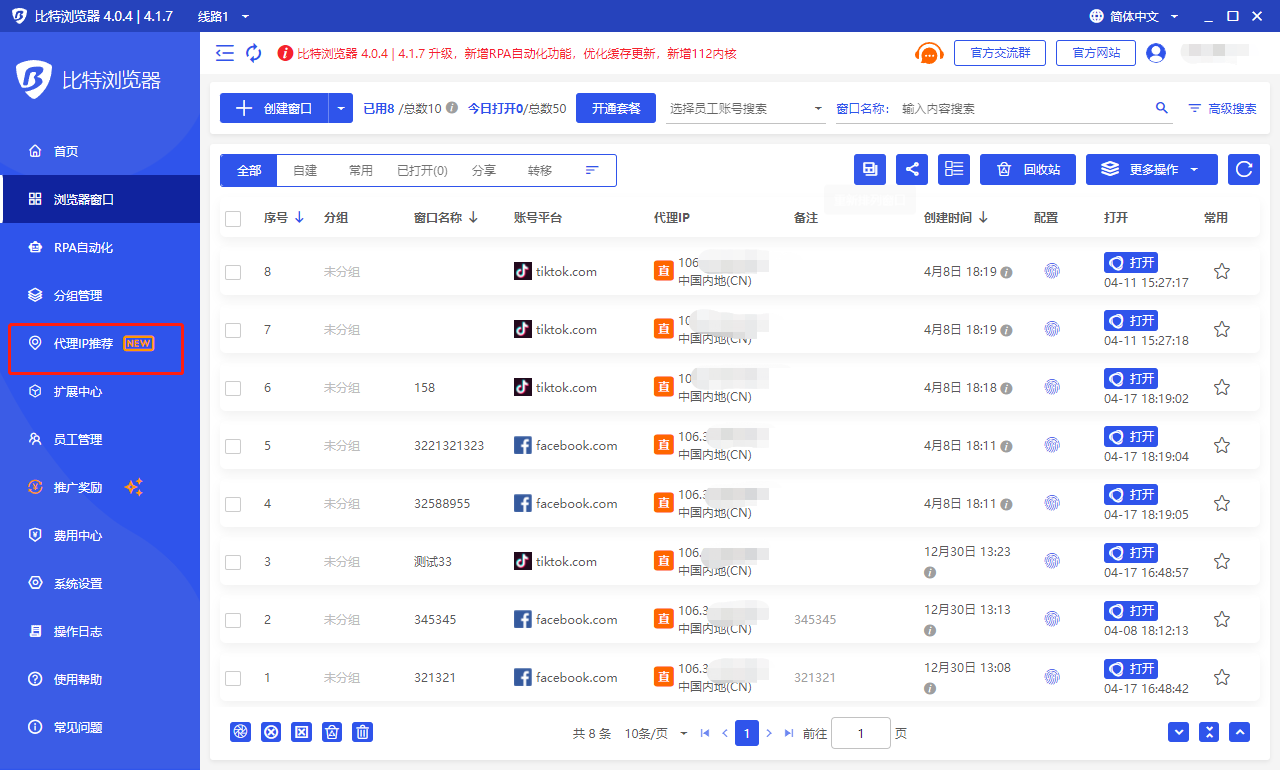
In today's digital age, network security and privacy protection have become hot issues of concern to everyone. Among them, how to hide the IP address is a common concern of many network users. In order to solve this problem, BitBrowser appeared. BitBrowser simulates the software and hardware fingerprint information of different devices and allows users to open multiple browsers on one computer at the same time. Each virtual browser has an independent IP, enabling IP address hiding and multi-account management.
BitBrowser is suitable for cross-border e-commerce multi-account operations such as Amazon, eBay, and TikTok, as well as social media marketing and other industries such as Facebook and Twitter. Only one computer is needed to open multiple virtual anti-correlation fingerprint browsers at the same time to create a secure browser fingerprint and independent IP login environment for each account such as e-commerce platforms, independent websites, and social media marketing.
So, how does the virtual fingerprint browser implement IP address hiding and multi-account management? Next, we will introduce it in detail from the following perspectives.
1.Virtualization technology
Virtual fingerprint browser uses virtualization technology to create multiple virtual browsers on one computer, each virtual browser has an independent IP address. This means that each virtual browser has a different IP address, making IP address hiding possible even on the same computer.
2. Browser fingerprint simulation
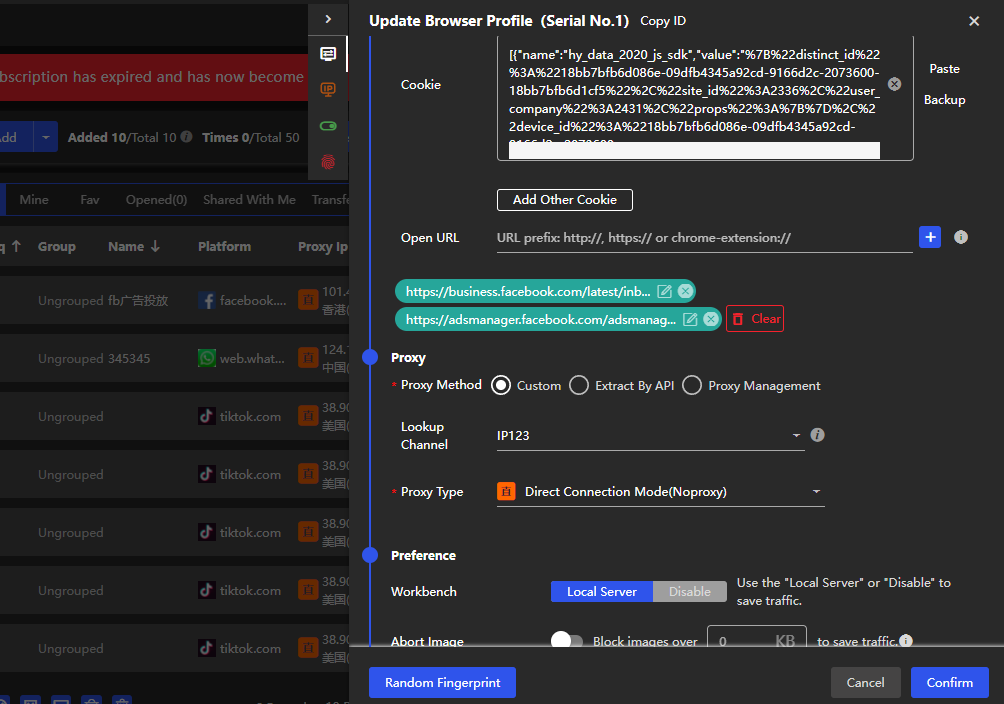
Browser fingerprint refers to the unique identification of the browser in the network environment, including operating system, browser type, resolution, fonts, plug-ins and other information. BitBrowser simulates the software and hardware fingerprint information of various devices, creates a unique browser fingerprint for each virtual browser, and realizes browser fingerprint hiding and multi-account management.
3.Multiple account management
BitBrowser provides powerful multi-account management functions, allowing users to manage multiple accounts in one interface and achieve quick switching. At the same time, each account has an independent browser fingerprint and IP address, avoiding the risk of cross-account association.
4. Account registration and account maintenance tools
BitBrowser also provides account registration and account maintenance tools. Users can quickly register multiple accounts and maintain accounts by simulating human behavior, improving the trust and security of accounts.
In addition to the above functions, BitBrowser also provides 10 permanently free windows, allowing users to experience its superior performance in actual applications. At the same time, the tool also supports a variety of application scenarios, such as off-site traffic drainage for independent stations and secure payment collection for cross-border accounts.
In short, BitBrowser is a powerful tool that uses virtualization technology, browser fingerprint simulation, multi-account management, account registration and account maintenance tools to achieve IP address hiding and multi-account management. Whether it is cross-border e-commerce or social media marketing, you can use this tool to improve network security and privacy protection. If you are looking for a reliable IP hiding and multi-account management tool, BitBrowser is definitely one of the must-have tools.
BitBrowser is suitable for cross-border e-commerce multi-account operations such as Amazon, eBay, and TikTok, as well as social media marketing and other industries such as Facebook and Twitter. Only one computer is needed to open multiple virtual anti-correlation fingerprint browsers at the same time to create a secure browser fingerprint and independent IP login environment for each account such as e-commerce platforms, independent websites, and social media marketing.
So, how does the virtual fingerprint browser implement IP address hiding and multi-account management? Next, we will introduce it in detail from the following perspectives.
1.Virtualization technology
Virtual fingerprint browser uses virtualization technology to create multiple virtual browsers on one computer, each virtual browser has an independent IP address. This means that each virtual browser has a different IP address, making IP address hiding possible even on the same computer.
2. Browser fingerprint simulation
Browser fingerprint refers to the unique identification of the browser in the network environment, including operating system, browser type, resolution, fonts, plug-ins and other information. BitBrowser simulates the software and hardware fingerprint information of various devices, creates a unique browser fingerprint for each virtual browser, and realizes browser fingerprint hiding and multi-account management.
3.Multiple account management
BitBrowser provides powerful multi-account management functions, allowing users to manage multiple accounts in one interface and achieve quick switching. At the same time, each account has an independent browser fingerprint and IP address, avoiding the risk of cross-account association.
4. Account registration and account maintenance tools
BitBrowser also provides account registration and account maintenance tools. Users can quickly register multiple accounts and maintain accounts by simulating human behavior, improving the trust and security of accounts.
In addition to the above functions, BitBrowser also provides 10 permanently free windows, allowing users to experience its superior performance in actual applications. At the same time, the tool also supports a variety of application scenarios, such as off-site traffic drainage for independent stations and secure payment collection for cross-border accounts.
In short, BitBrowser is a powerful tool that uses virtualization technology, browser fingerprint simulation, multi-account management, account registration and account maintenance tools to achieve IP address hiding and multi-account management. Whether it is cross-border e-commerce or social media marketing, you can use this tool to improve network security and privacy protection. If you are looking for a reliable IP hiding and multi-account management tool, BitBrowser is definitely one of the must-have tools.