


Brother
Professional
- Messages
- 2,590
- Reaction score
- 533
- Points
- 113
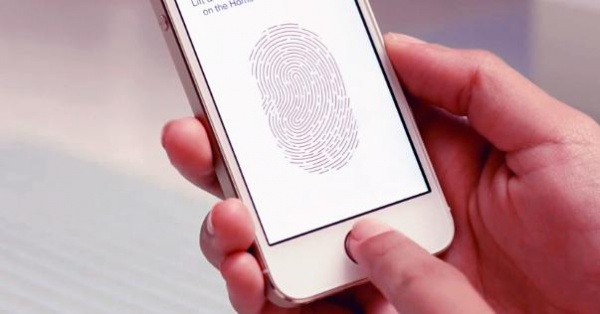
Some iPhone owners who have recently upgraded their devices to iOS 13 have experienced inability to log in to certain apps, including banking services and password managers. According to 9to5Mac, the problem is caused by a bug in iOS 13 affecting older iPhones with Touch ID sensors. Due to an error, the authorization window does not appear, and the user cannot do anything about it.
The issue affects applications that use a fingerprint sensor to authenticate a user, and is present in versions of iOS from 13.0 to 13.1.1. In particular, Touch ID uses apps from Chase, Wells Fargo, Barclays and Santander to authenticate users, 1Password's password manager, and apps that offer additional security settings like Apollo Reddit.
In fact, the authorization window has not disappeared anywhere, it is simply not visible. It looks like the API is not displaying it correctly on top of the application for some reason. As a solution to the problem, 9to5Mac offers to open the desired application and put your finger on the Home button, even if the authorization window is not displayed on the screen. You can also shake the device slightly - movement will make the authorization window visible again.
The problem was faced by owners of iPhone SE, iPhone 6s, iPhone 6s Plus, iPhone 7, iPhone 7 Plus, iPhone 8 and iPhone 8 Plus (older iPhone models with Touch ID cannot be updated to iOS 13).


