Lord777
Professional
- Messages
- 2,576
- Reaction score
- 1,547
- Points
- 113
Hi, as promised, here's a selection of the best Android firmwares. With them, you will definitely improve the protection of your data, as well as speed up the smartphone itself + a bunch of useful things.
Important! We have selected the most popular and proven Android firmware for you. Before installing any firmware, check the compatibility with your device on the official website. Then we repeat everything according to the instructions of the developer. We use exclusively official sites, links below.

Replicant OS
The oldest and perhaps the most famous firmware. It is best suited for antediluvian devices that are 10 years old. If you have a modest budget and you need a lot of anonymous smartphones, we buy a couple of buckets and put a replicant. On the official forum of the site, you can find all the instructions, as well as ports for more modern devices.
Link: https://replicant.us/
Lineage OS
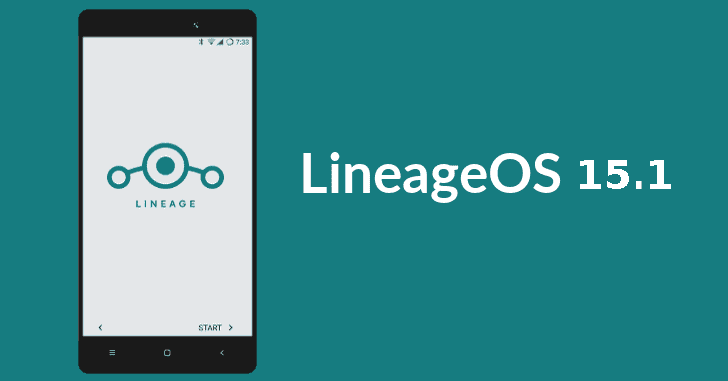
The most popular modern firmware. I advise you to use it, as it supports most devices. There is a full-fledged camera application and much more. A big bonus - this software significantly speeds up old devices.
Link: https://lineageos.org/
Paranoid
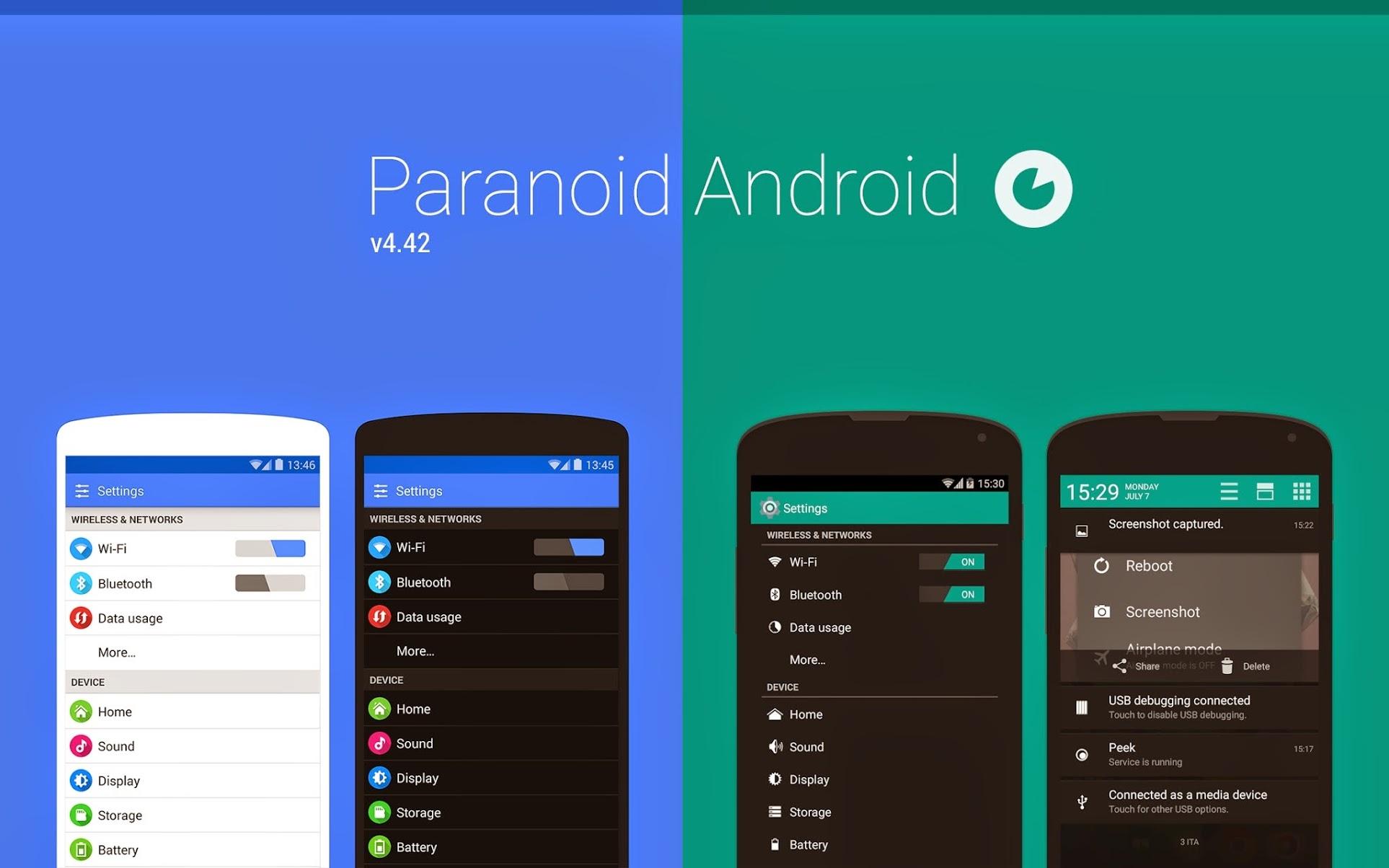
Another good and proven firmware. Great performance boost and many customization options for the look and feel of the GUI. An interesting feature is the unique hover mode: viewing and interacting with notifications from any screen.
Link: https://paranoidandroid.co/

SlimRoms
Top-end firmware in terms of performance. The simplest and lightest, with the same simple functionality. Unfortunately, it hasn't been updated for a long time, so the list of supported devices can be quite limited.
Link: https://slimroms.org/
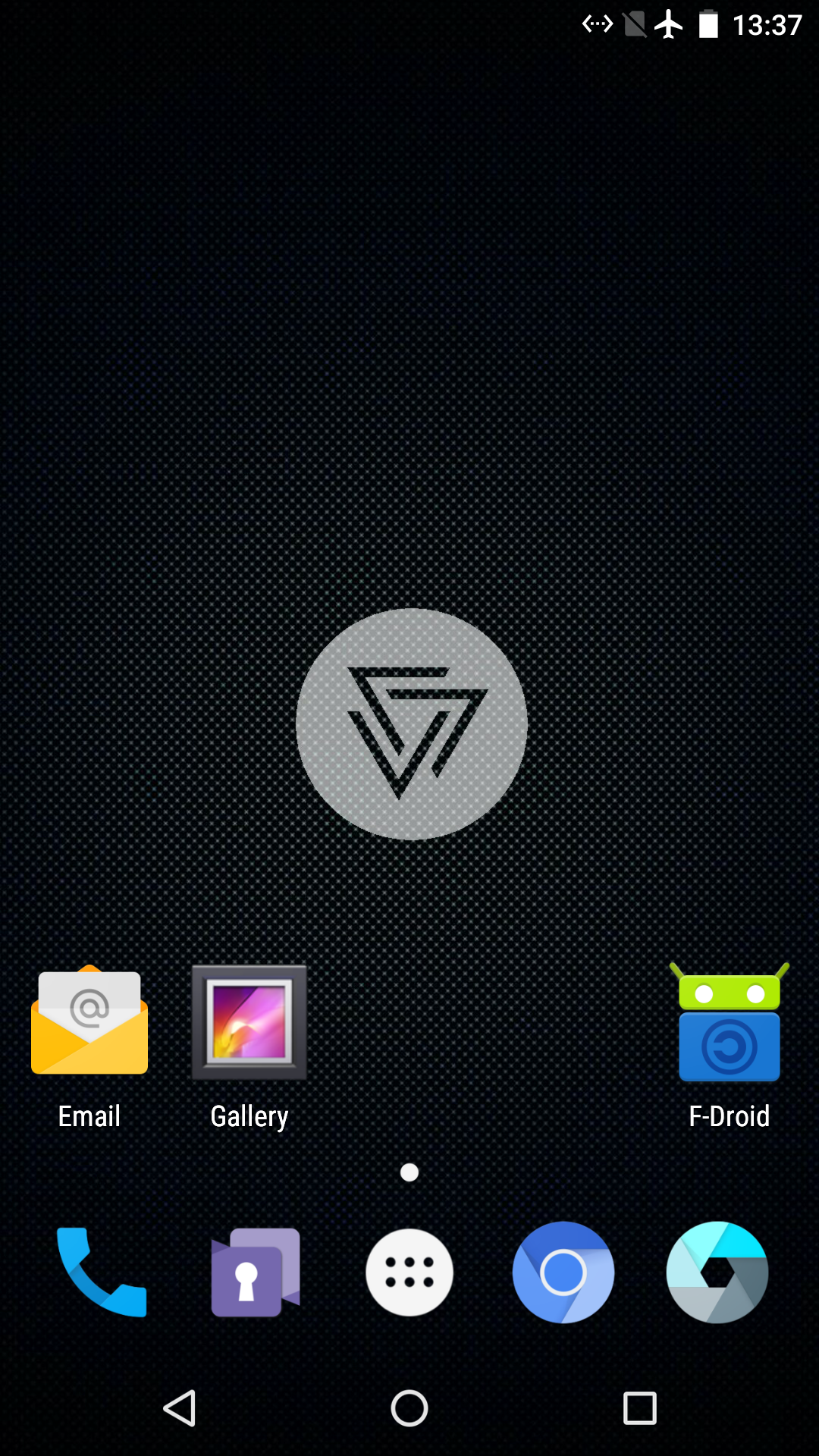
Copperhead
Exclusive Pixel Firmware. The main feature of CopperheadOS is significantly advanced anti-hacking tools. It is much more difficult to hack a smartphone with such firmware. Unfortunately, the developers had a conflict a couple of years ago, so you can't put them on the latest smartphones from Google.
Link: https://copperhead.co/
Important! We have selected the most popular and proven Android firmware for you. Before installing any firmware, check the compatibility with your device on the official website. Then we repeat everything according to the instructions of the developer. We use exclusively official sites, links below.
Replicant OS
The oldest and perhaps the most famous firmware. It is best suited for antediluvian devices that are 10 years old. If you have a modest budget and you need a lot of anonymous smartphones, we buy a couple of buckets and put a replicant. On the official forum of the site, you can find all the instructions, as well as ports for more modern devices.
Link: https://replicant.us/
Lineage OS
The most popular modern firmware. I advise you to use it, as it supports most devices. There is a full-fledged camera application and much more. A big bonus - this software significantly speeds up old devices.
Link: https://lineageos.org/
Paranoid
Another good and proven firmware. Great performance boost and many customization options for the look and feel of the GUI. An interesting feature is the unique hover mode: viewing and interacting with notifications from any screen.
Link: https://paranoidandroid.co/
SlimRoms
Top-end firmware in terms of performance. The simplest and lightest, with the same simple functionality. Unfortunately, it hasn't been updated for a long time, so the list of supported devices can be quite limited.
Link: https://slimroms.org/
Copperhead
Exclusive Pixel Firmware. The main feature of CopperheadOS is significantly advanced anti-hacking tools. It is much more difficult to hack a smartphone with such firmware. Unfortunately, the developers had a conflict a couple of years ago, so you can't put them on the latest smartphones from Google.
Link: https://copperhead.co/